
How to Reduce Smart Home App Overload
How to reduce smart home app overload without starting over. Consolidate control around one reliable system, keep the hardware that works, and cut daily friction.
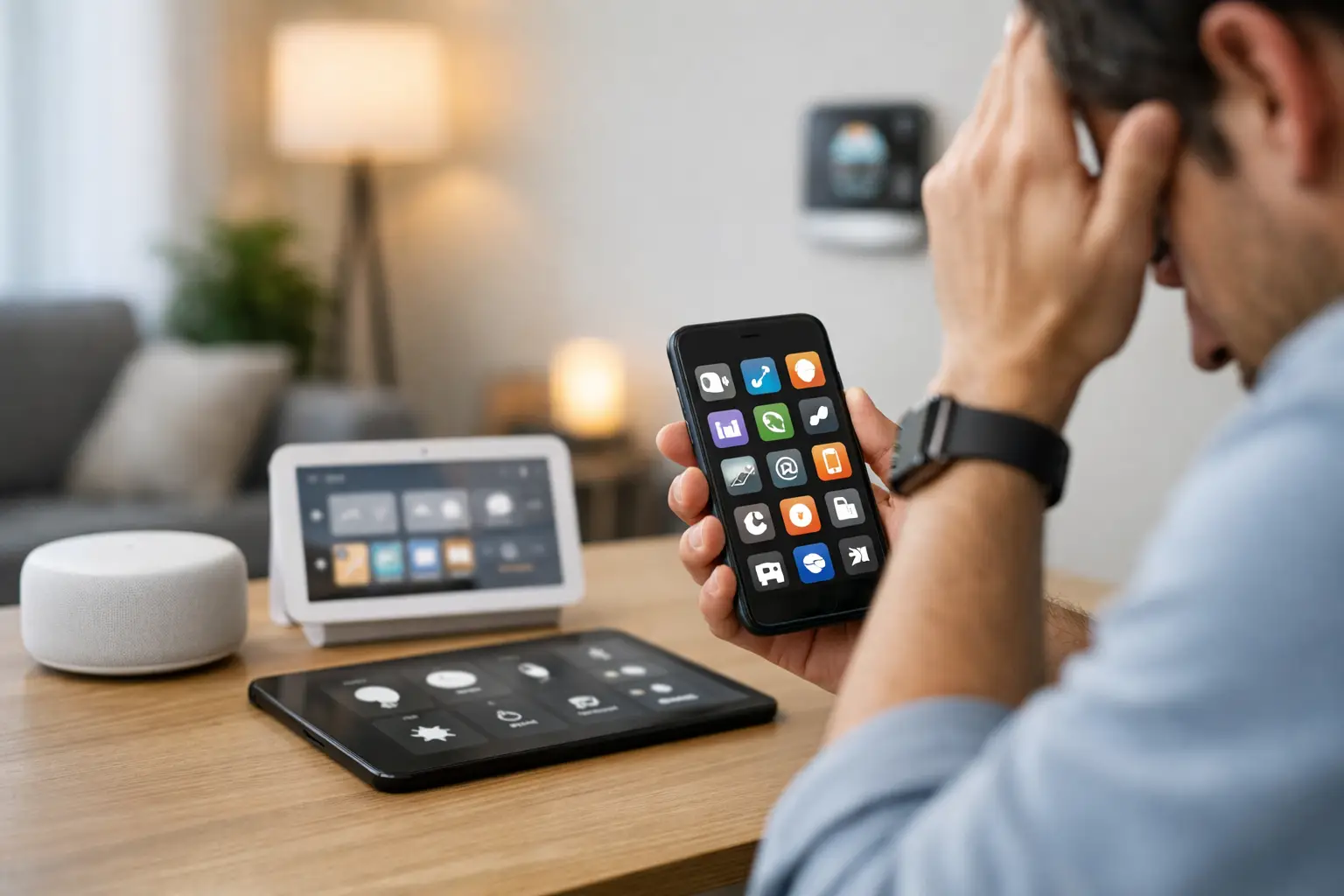
If turning on the lights means opening one app, checking cameras means another, and adjusting shades takes a third, the problem is not your home. It is your system design. Knowing how to reduce smart home app overload starts with one simple shift: stop adding controls and start consolidating them.
App overload is one of the clearest signs that a smart home grew device by device instead of being planned as a whole. It happens in high-end homes just as often as in starter setups. A few excellent products from different brands can still create a frustrating daily experience when every function lives in its own software bubble.
The good news is that this is fixable. You do not need to rip everything out, and you do not need to settle for a closed platform that limits what you can buy next. In most cases, the right answer is to simplify the control layer, keep the hardware that still serves you well, and rebuild the experience around a single, reliable system.
Why smart home app overload happens
Most smart homes do not start as systems. They start as purchases. A video doorbell solves one problem. Smart switches solve another. Then come thermostats, speakers, locks, shades, cameras, garage doors, and energy devices. Each product arrives with its own app, account, update cycle, and automation logic.
That looks manageable at first. Then daily life exposes the cracks. One family member uses Apple Home. Another uses Alexa. Your lighting scenes live in one place, security notifications in another, and installer settings in a third app you barely want to touch. Instead of the home feeling more intelligent, it starts feeling administratively heavy.
There is also a hidden cost to fragmentation. More apps usually mean more duplicated setup, more notification noise, more login issues, and more troubleshooting when routines fail. If you need a mental map of which app controls which room, the system is working against you.
How to reduce smart home app overload without starting over
The fastest way to improve the experience is not to chase a perfect brand lineup. It is to define a primary control platform and demote everything else to the background.
That means choosing one place where your household manages the home day to day. Lighting, climate, media, shades, locks, and scenes should feel unified even if the devices behind them come from different manufacturers. The specialty apps can still exist for firmware updates or advanced settings, but they should stop being part of your normal routine.
This is where many homeowners get stuck. Consumer ecosystems promise simplicity, but they can become limiting once your home includes a wider mix of devices, more complex automations, or legacy systems from past renovations. On the other end, traditional proprietary platforms may unify control but often do it by locking you into specific hardware, service models, or dealer dependency.
A better approach is an open, professionally managed platform that sits above the device layer. It lets you preserve compatibility, centralize control, and keep future choices open. That trade-off matters. The goal is not just fewer apps today. It is a smart home that stays manageable as your needs change.
Start with a device and app audit
Before you simplify anything, map what you already have. Most households underestimate how many control points they are juggling until they list them all out.
Document each device category, the brand, the app it requires, and whether you use that app daily, occasionally, or only for setup. You will usually find three kinds of apps. Some are essential because they are your current front-end. Some are useful but not daily. Others are effectively leftovers from installation.
This audit reveals where the clutter is actually coming from. Sometimes ten devices are tied to one app, which is not the real problem. In other cases, one niche product has introduced another account, another interface, and another source of alerts for very little value.
You should also note which automations exist today and where they live. If your morning routine spans three platforms, you already know why it feels brittle.
Consolidate around one control experience
Once you know what you have, choose the interface your household should live in. This is the core answer to how to reduce smart home app overload: one primary app, one automation brain, one shared experience across the home.
The right platform depends on the complexity of the property and how much flexibility you want long term. For a single-room setup, a consumer app may be enough. For larger homes, mixed-brand environments, renovations, and professionally installed systems, a centralized platform becomes much more valuable.
What matters most is breadth of compatibility , stable device management, and the ability to unify scenes and automations across brands. If the platform cannot bring lighting, climate, audio, security, and shading into one experience, you have not actually solved the overload problem. You have just shifted it.
This is why serious smart home planning treats apps as part of the architecture, not an afterthought. The software layer determines whether the home feels elegant or fragmented.
Reduce apps by role, not by raw number
Trying to get down to exactly one app is not always realistic, and it is not always necessary. The smarter target is one daily-use app.
In a well-structured smart home, you may still keep manufacturer apps for edge cases like adding a new device, checking a warranty setting, or handling a firmware update that the central platform does not manage directly. That is fine. The difference is that these apps stop interrupting daily life.
Think of your app stack in three roles. The first is the everyday control app your household actually uses. The second is the installer or management layer used for configuration and support. The third is the manufacturer app, kept in reserve when needed. When those roles are clear, the system feels simpler even if a few specialty apps remain installed.
Rebuild automations so the home works without constant app use
Too many smart homes rely on apps because the automations are weak. If you still have to open software every time you want the house to behave correctly, the issue is not just app overload. It is under-automation.
The best homes reduce app dependence by making common actions automatic. Lights respond to time, occupancy , or mode. Shades move with the sun. Climate adjusts to presence and schedule. Security states trigger sensible changes across the property. The app becomes an override, not a requirement.
This is also where a more intelligent platform pays off. AI-assisted automation can help identify patterns and suggest routines that reflect how the household actually lives, rather than forcing someone to build every rule from scratch. That reduces setup friction and makes automation feel practical instead of experimental.
There is a balance here. Over-automating can be just as annoying as over-apping if the system becomes unpredictable. The right approach is to automate the obvious, high-frequency actions first and leave low-value edge cases alone.
Standardize notifications and user access
Another source of overload is not control but interruption. Five apps buzzing for motion events, battery warnings, package alerts, and disconnected devices can make the whole home feel noisy.
A centralized system helps by filtering what matters and where it should appear. Security notifications may need to reach both adults immediately. Low battery warnings probably do not. Media alerts often do not need to exist at all. Smart homes should surface the right information at the right level, not turn every sensor into a new demand for attention.
It also helps to standardize user access. If each family member has a different mix of apps, permissions, and preferred voice assistants, everyday support becomes messy fast. Shared households benefit from one consistent control model, especially when guests, children, or property staff need limited access.
Know when professional unification makes sense
If your home includes multiple ecosystems, legacy integrations, premium lighting or shading , built-in audio, or security components that need to work together, consolidation is usually easier with a professional-grade platform. That is especially true in larger homes where reliability matters more than tinkering.
A managed hub approach can unify diverse devices, handle updates more cleanly, and give you remote support without tying you to a closed ecosystem. For homeowners, that means less app chaos and fewer service headaches. For installers, it means a cleaner deployment model and a system that can scale without becoming fragile.
Selora Homes is built around that exact reality: keeping broad device compatibility while delivering one polished control experience. That combination matters because it solves the real problem behind app overload. It is not just too many icons on a phone, but too little coordination across the home.
The best smart home does not ask you to remember which app runs which room. It fades into the background, responds predictably, and leaves you with something rarer than more features: less friction.