
How to Simplify Smart Home Setup Without Lock-In
How to simplify smart home setup without lock-in: unify control in one layer, keep the essentials local, and choose an open platform that adapts over time.
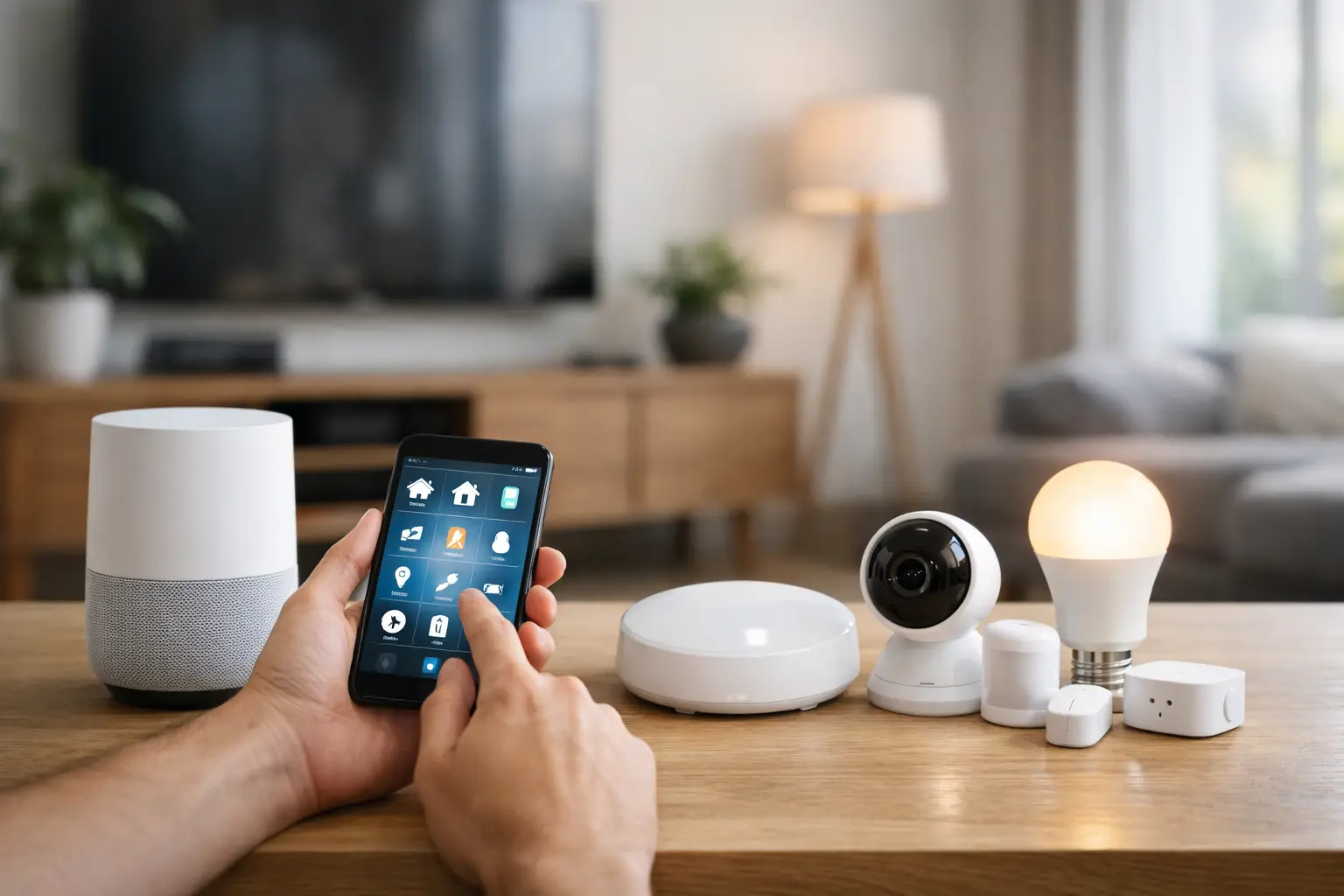
A premium home should not require a scavenger hunt through six apps just to dim the lights, lower the shades, and check whether the garage door is closed. Yet that is where many smart homes end up: excellent devices operating in isolation. Learning how to simplify smart home setup starts by treating the home as one connected system, not a collection of individual products.
The goal is not to add more automation. It is to make the technology disappear into daily life. Your family should know what to expect from a wall keypad, a voice command, or an evening routine without needing a tutorial, a workaround, or the phone of the person who originally set everything up.
Start With One Control Layer
The fastest way to create complexity is to let every device brand become its own control center. A lighting app controls lights, a security app controls cameras, an HVAC app controls temperature, and an entertainment app controls speakers. Each may work well on its own. Together, they create friction.
A simplified smart home has a single control layer that brings core systems into one interface. That layer should coordinate lighting, climate, security, shades, entertainment, and energy management while preserving the hardware you have already chosen. Centralized control does not mean replacing every device with a matching brand. It means giving different devices a common language and a consistent experience.
Start by deciding what deserves to be part of that central experience. Daily-use systems belong there first: entry locks, exterior and main living-area lighting, thermostats, shades, cameras, garage doors, and whole-home audio. A niche appliance or one-off gadget can remain separate if it adds little value to household routines.
This distinction matters. Not every connected product needs a dashboard tile, a notification, or an automation. The smartest setup is often the one that deliberately ignores low-value devices.
Audit the Home Before Buying Anything Else
Make a room-by-room inventory of what is installed, what app controls it, and whether anyone actually uses it. Include existing systems that are easy to overlook, such as wired shade motors, irrigation controllers, alarm panels, AV receivers, pool equipment, and energy monitors.
Then identify the moments that currently feel annoying. Perhaps the family room needs three remotes at night. Maybe guests cannot operate the kitchen lights. Maybe the thermostat runs on a schedule that ignores whether anyone is home. These are not device problems. They are workflow problems, and they should drive the design.
For renovations and custom builds, this audit should also cover the physical controls. A beautiful home can still feel poorly designed when a guest must use an app to turn on a light. Keep critical functions available through intuitive switches, keypads, and controls at the point of use. Phones should enhance the experience, not become mandatory for basic living.
How to Simplify Smart Home Setup With an Open Foundation
The platform beneath your smart home determines whether it stays flexible or becomes expensive to change. Closed systems can look polished at installation, but they often limit device choices, require dealer intervention for small changes, and make future upgrades harder than they should be.
An open, professionally managed platform takes a different approach. It can connect products across major ecosystems and protocols, then present them as one home. That matters when you want to retain high-quality equipment from different manufacturers instead of discarding it to satisfy one proprietary ecosystem.
Compatibility is only one part of the decision. Ask who manages software updates, how remote support works, what happens if a device manufacturer changes its cloud service, and whether your installer can hand over meaningful control after the project is complete. A system that depends on a single dealer for every adjustment may be convenient at first, but it can become restrictive over the life of the home.
Selora Homes is built around this open approach, combining centralized control with managed updates, remote access, and support for a broad range of connected devices. For homeowners, that means the system can evolve as the home and household change rather than forcing a costly reset every few years.
Favor Local Control for the Essentials
Cloud-connected devices are useful, especially for remote access and certain services. But the functions that matter most should not become unreliable because an internet connection drops or a vendor’s servers are unavailable.
Prioritize local operation for lighting, climate, keypads, sensors, locks, and core automations where possible. The home should still respond when the network is having a bad day. Remote access can be an added convenience, but it should not be the only path to operating your own house.
This also supports privacy. A well-designed smart home collects only the information needed to deliver useful automation, protects access with strong account controls, and avoids sending unnecessary household activity through a chain of third-party services.
Reduce Controls Before Adding Automations
More buttons rarely make a home easier to use. The strongest smart home interfaces give each person a few clear paths: physical controls in the room, a unified app for full access, voice control where it is genuinely helpful, and automations that handle repeatable tasks in the background.
Create consistent naming across every interface. “Kitchen Pendant Lights” should not become “Island,” “Kitchen Main,” and “KP Lights” in three different apps. Use names that make sense to everyone in the household, including guests, children, and caregivers. Room-based names are usually clearer than brand-based names.
The same principle applies to notifications. Alerts should communicate events that need action, not provide a running commentary on the house. A water leak, an unlocked exterior door late at night, or a smoke alarm deserves immediate attention. A routine motion event from a busy hallway usually does not.
Automate Moments, Not Individual Devices
A light turning on at sunset is useful. A home that adjusts itself for an entire evening is more valuable. Instead of building automation around isolated devices, design around the moments that repeat in your household.
Four routines tend to deliver immediate value:
- Arrive home: Disarm appropriate alerts, turn on entry lighting based on time of day, adjust climate if needed, and open the garage only through secure triggers.
- Good night: Turn off selected lights, lock exterior doors, lower shades, set the thermostat back, and confirm that the garage is closed.
- Away: Reduce heating or cooling demand, turn off nonessential lights and entertainment systems, arm security features, and monitor for water or access issues.
- Movie time: Set lighting, shades, and audio-video equipment with one action instead of a series of remotes and apps.
Start with one or two routines that solve real pain points. Let the household use them for a few weeks, then refine the behavior. An automation that runs perfectly in a demo can be irritating in a real home if it triggers at the wrong time or removes a choice someone values.
Good automation also includes exceptions. A vacation schedule differs from a weekday schedule. A guest room should not behave exactly like a primary bedroom. Presence detection can be helpful, but it should be paired with manual overrides so the house never feels like it is arguing with its occupants.
Build for Change, Not for a Perfect First Day
Smart home projects become difficult when every decision is treated as permanent. Devices will age, family routines will change, and new priorities will emerge around energy use, security, accessibility, or entertainment. The best setup leaves room to adapt without rebuilding the entire system.
Choose standards and integrations with a track record of broad support. Keep documentation for network equipment, device locations, account ownership, and automation logic. For a large home, separate critical smart home infrastructure from guest and general-purpose devices on the network. This improves reliability and makes support more straightforward.
It also helps to decide who owns ongoing system care. A homeowner may be comfortable adjusting scenes and preferences, while an installer or managed service handles deeper integrations, updates, backups, and troubleshooting. That division keeps everyday control simple without sacrificing professional oversight.
Know When to Bring in a Professional
A single-room setup may be easy to handle yourself. A whole-home project involving wired lighting, motorized shades, distributed audio, security, climate, and multiple networked systems deserves a coordinated plan. The cost of correcting poor wiring, weak Wi-Fi coverage, or fragmented programming after finishes are complete is far higher than designing it correctly at the outset.
A qualified installer should ask about how the household lives in the space, not just which brands you want. They should plan for physical controls, network coverage, service access, privacy, future upgrades, and a clear handoff after installation. If the proposal centers only on device counts, it is missing the point.
The most satisfying smart homes do not feel like technology projects. They feel calm, responsive, and personal. Begin with the routines your household already values, give every system one place to work together, and let the technology earn its place by making ordinary moments easier.