
How to Unify Smart Home Devices
How to unify smart home devices without starting over. Build one logic layer across brands for a home that is coordinated, reliable, and future-proof.
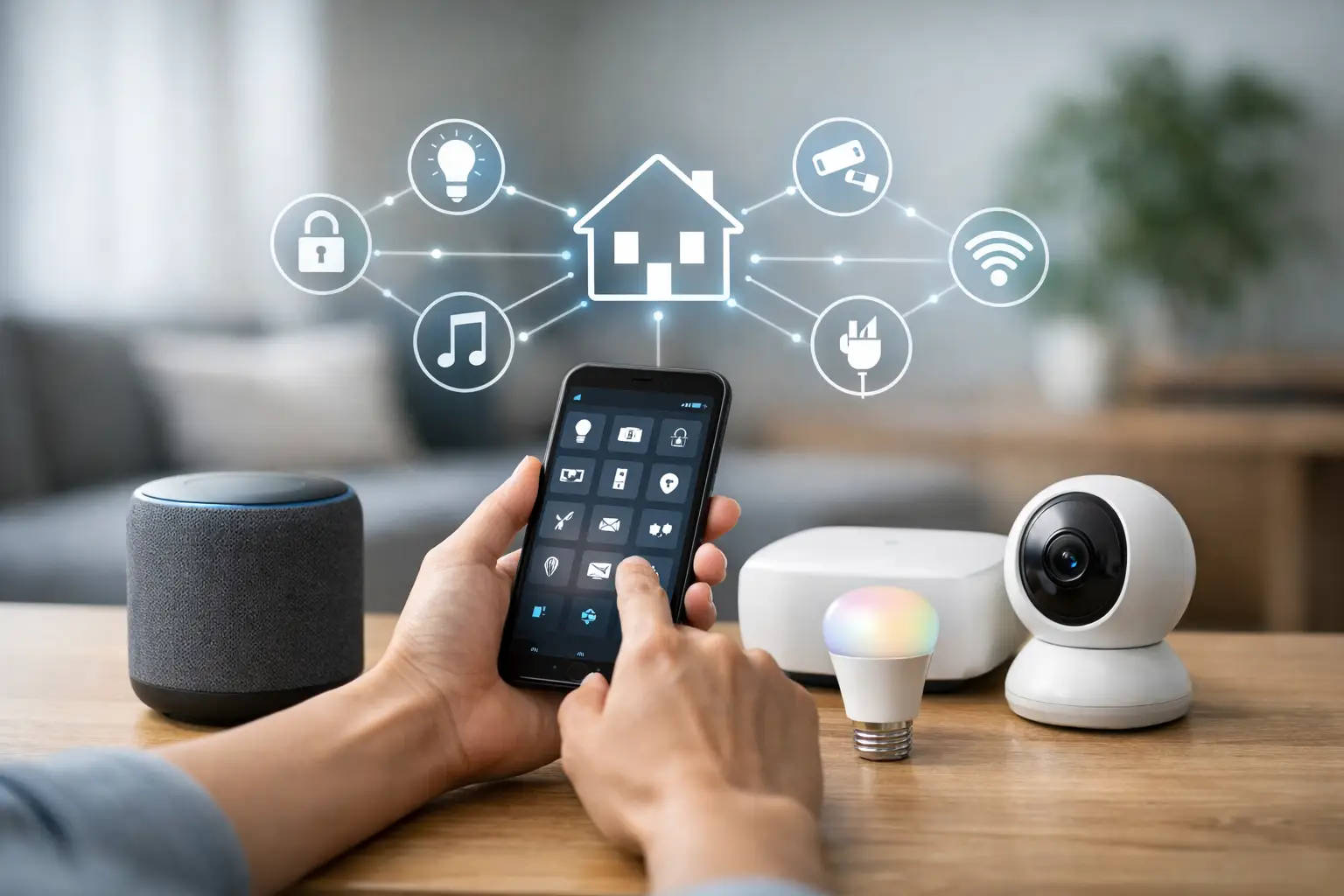
When your lights live in one app, your cameras in another, and your shades only respond through a wall keypad that nobody understands, the smart home stops feeling smart. If you’re figuring out how to unify smart home devices, the real goal is not just putting everything on one screen. It is creating a home that responds consistently, stays flexible over time, and does not force you into expensive replacements every time your needs change.
For most homeowners, fragmentation starts innocently. A video doorbell gets added first. Then a thermostat. Then smart lighting, audio, shades, garage control, maybe a few sensors and locks. Before long, you have strong products that were never designed to work together in a meaningful way. The result is more apps, more logins, more guesswork, and more support headaches than most people expected.
Why unifying devices matters more than adding more tech
A premium home should feel coordinated. If you press “Goodnight,” the right lights should dim, the doors should lock, the thermostat should adjust, and the music should shut off. That kind of behavior is hard to achieve when every category sits inside its own ecosystem.
This is where many smart homes hit a wall. Brand-specific platforms can work well inside their own boundaries, but real homes rarely stay inside one brand for long. Renovations happen. Product lines change. Families add devices over time. A smart home that only works when everything comes from one vendor is not future-proof. It is fragile.
Unified control fixes more than convenience. It also improves reliability, makes remote support easier, reduces duplicate hardware, and gives you a cleaner path for upgrades. For homeowners, that means less friction every day. For installers, it means fewer custom workarounds and a better long-term service model.
How to unify smart home devices without starting over
The biggest misconception is that unification requires ripping everything out and replacing it with a single proprietary system. In many cases, that is unnecessary. A better approach is to start with the infrastructure layer - the platform or hub that can bring existing devices and protocols into one managed environment.
That platform needs to do three things well. First, it must support broad compatibility across the brands and standards already in the home. Second, it must provide centralized control for everyday use and automation. Third, it needs to remain adaptable as the home evolves.
If a platform only works with a narrow set of products, you are not solving fragmentation. You are just moving the lock-in to a different place.
Start with an audit, not a shopping spree
Before you buy anything new, map what is already in the house. Look at lighting, switches, dimmers, shades, thermostats, speakers, TVs, security devices, cameras, sensors, locks , garage doors, and irrigation if it matters for the property. Then note how each device currently connects - Wi-Fi, Zigbee, Z-Wave, Thread, proprietary bridge, IP, or legacy wired system.
This step matters because the path to unification depends on what you already own. A home with Lutron lighting, Sonos audio, and a few mainstream Wi-Fi devices may unify quickly. A larger home with Control4 remnants, KNX lighting, distributed AV, and mixed wireless sensors will need a more deliberate migration plan.
An audit also reveals what should stay and what should go. Some devices are excellent candidates for integration. Others are technically compatible but too unreliable to be worth preserving. Compatibility on paper is not the same as a good user experience.
Choose a central brain, not just a dashboard
A lot of platforms can display devices. Far fewer can manage them well.
If you want one app, one automation engine, and one support model, the central platform has to act as the operational brain of the home. That means unified scenes, cross-brand automations, health monitoring, remote access, managed updates, and room to expand without a complete redesign.
This is the difference between a collection of integrations and an actual smart home system. A dashboard can show you status. A proper platform coordinates the home.
For affluent homeowners and custom projects, this distinction becomes critical. A house with lighting, climate, security, shades, media, and energy systems needs more than convenience features. It needs dependable orchestration. If one event is supposed to trigger five actions across four brands, reliability matters more than novelty.
What a unified smart home should actually include
A unified system usually starts with the categories people use every day. Lighting and shades should work together because they shape comfort, privacy, and mood. Climate should respond to occupancy and schedules. Security devices should connect to meaningful actions, such as turning on pathway lights when motion is detected after dark. Audio and entertainment should join household routines instead of living in a separate control universe.
The strongest setups also connect invisible systems that improve the experience quietly. Leak sensors can trigger notifications and valve shutoff. Energy monitoring can inform automations that reduce waste. Presence sensing can make routines more accurate than simple time-based schedules.
The point is not to automate everything. It is to connect the systems that create a more effortless home.
One app is useful, one logic layer is better
Many buyers focus on getting down to a single app, and that is understandable. But app consolidation is only part of the value.
The real advantage comes from having one logic layer where automations, scenes, permissions, notifications, and device relationships live together. Without that, you may still end up building routines inside separate ecosystems, which brings back the same maintenance problem under a cleaner interface.
A unified logic layer also makes changes easier. If you replace one thermostat brand with another, your overall routines should not need a full rebuild. The best smart home architecture isolates the experience from the hardware as much as possible.
Trade-offs to watch before you commit
Not every path to unification is equal. Some DIY platforms offer impressive flexibility but expect a level of tinkering that most homeowners do not want in a primary residence. Some luxury systems deliver a polished interface but keep you dependent on dealer-only hardware, expensive programming changes, or narrow device support.
There is also a privacy trade-off. Cloud-heavy platforms may be easy to start with, but they can create dependence on third-party servers and changing policies. A more privacy-first architecture with local control often gives you better reliability and more ownership, though it needs to be implemented correctly.
Then there is the question of who will support the system over time. A smart home is not a one-time purchase. Devices age, software changes, and household needs shift. For many homeowners, the best answer is a professionally managed platform that stays open to multiple hardware brands rather than a closed stack that limits future choices.
How to unify smart home devices for the long term
If your home is already fragmented, the smartest move is usually a phased migration. Keep the hardware that still adds value. Replace the weak links. Build around an open platform that can absorb devices from major ecosystems instead of forcing a clean-slate rebuild.
That approach lowers cost, protects past investments, and avoids the trap of swapping one silo for another. It is also a better fit for renovations and occupied homes, where minimal disruption matters.
A professionally managed system can make this much cleaner. With the right hub, devices from Apple HomeKit, Google Home, Alexa, Lutron, Sonos, Z-Wave, KNX, and legacy installations can be brought under a single control model without sacrificing flexibility. That is where a platform like Selora Homes makes sense - especially for homeowners who want premium results without proprietary lock-in.
Design around living patterns, not device categories
The best automations are not organized around products. They are organized around how people live.
Morning should be a home state, not five separate routines. Away mode should coordinate locks, lights, HVAC, shades, and alerts in one action. Entertaining should shift lighting, music, and comfort settings without manual adjustments from room to room.
When you design around moments instead of menus, the home feels intentional. That is usually the clearest sign that your devices are finally unified.
A smart home does not need more gadgets to feel advanced. It needs a clear operating model, broad compatibility, and automation that works quietly in the background. Get that right, and the technology stops asking for attention and starts earning its place.