
Selora AI v0.17.0: Alexa Voice Control and Search Across Your Automations
Selora AI v0.17.0 lets Alexa control your Home Assistant devices through Selora, adds search to Automations and Scenes, shows what changed in each saved version, and fixes a long list of chat and local model mistakes.
Selora AI v0.17.0 brings Alexa voice control, a quicker way to find the automation you are looking for, and many fixes that make chat do what you meant.
Talk to your home with Alexa
“Alexa, turn off the kitchen lights.” Selora AI now answers Alexa directly, so any Echo, Fire TV, or speaker with Alexa built in can control your Home Assistant devices.
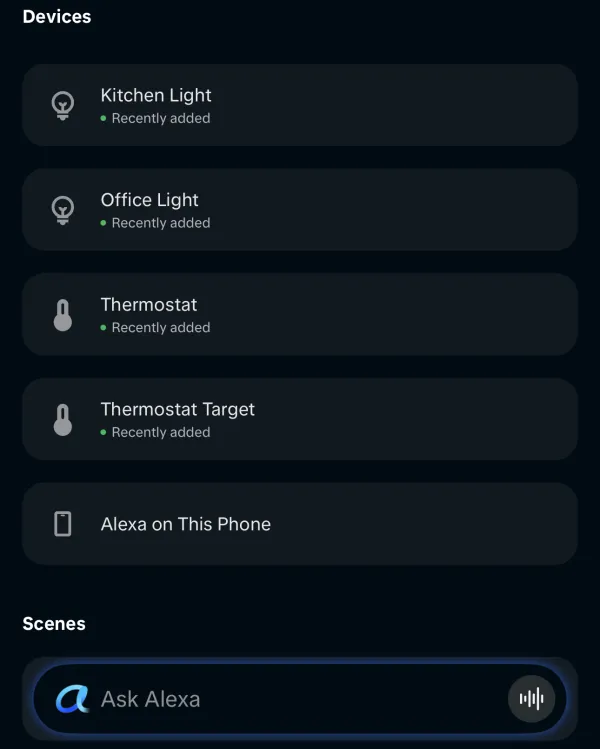
You link the Selora skill once from the Alexa app. Nothing needs to be opened on your router, and your home’s address is never shared with Amazon. Voice control is included in all paid plans, in the United States and Canada.
See the Alexa guide to set it up.
Find any automation or scene
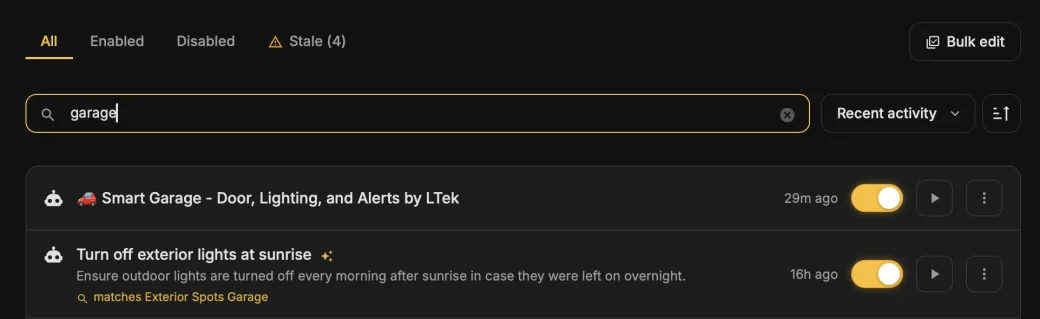
Automations and Scenes now have a search box. Type a device, an entity, or a room, and you see every automation or scene that uses it, with a short note on why it matched. “Garage” finds everything that touches the garage, even when its name says nothing about it.
See what changed in each version
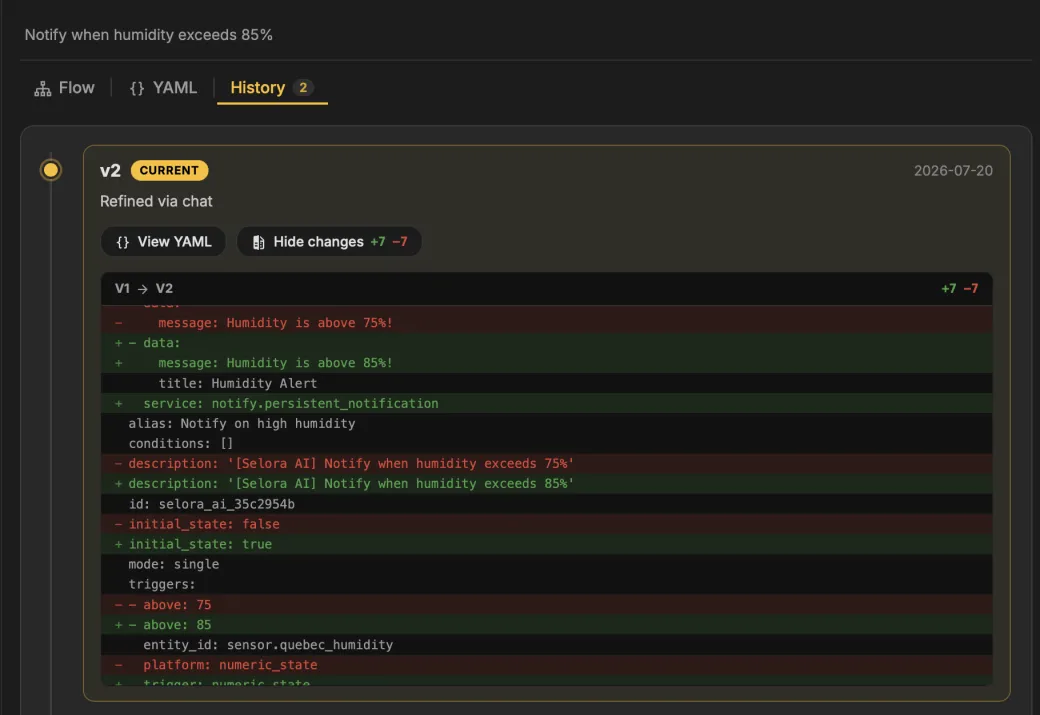
The History tab now shows what each saved version changed compared with the one before it. No more guessing which edit broke the morning routine.

Fixes in chat
Most of this release is fixes to how Selora AI handles requests in chat:
- Asking to change an automation you just created sometimes saved a second copy. It now updates the original.
- Devices can be found by brand and model. Asking about “IKEA” finds your IKEA devices, even if you renamed them. Battery levels can also be looked up now.
- Doorbell automations got stuck asking for a technical device id. You can now refer to the doorbell by name.
- An automation that speaks a message could be saved without a speaker to play it on. That is now caught before saving.
- When a reply was cut off, it was shown as if it were complete. You are now told that it was interrupted.
- “What are the automations in the kitchen?” was answered from the documentation. It now looks at your home.
- When Selora AI refused an action, the reason it gave was often wrong. It now names the actual cause.
Fixes in Selora AI Local
The on-device model misread some everyday requests:
- “Turn the volume down, it’s 11pm” set the speaker to 11%.
- “If it drops below 18, turn the heat up” set the thermostat to 38°C.
- “It’s about to rain, can you close the windows?” was treated as a weather question instead of closing the windows.
- Lock commands were reported as failing even when they worked.
All four are fixed. Selora AI Local can also now run on Ollama with a single model, chosen during setup.
Smaller fixes
- Search no longer freezes on the first keystroke in large homes.
- The cursor no longer jumps while you type in the chat box.
- Picking a device from autocomplete replaces the whole name.
- Home Assistant starts and reloads Selora AI faster.
Compatibility
The minimum Home Assistant version is unchanged at 2025.1.0.
See the full changelog for every change.
Update via HACS, or if you already have Selora AI installed, the update will appear in your Home Assistant settings.