
Selora AI v0.8.0: Selora AI Cloud, Token Tracking & Savings, and Scenes Everywhere
Selora AI v0.8.0 ships our managed Selora AI Cloud provider, a new Usage panel that tracks token consumption with cost estimates, optimizations that cut token usage on the hourly suggestion job, end-to-end Scenes support, and a redesigned chat with native Home Assistant device cards.
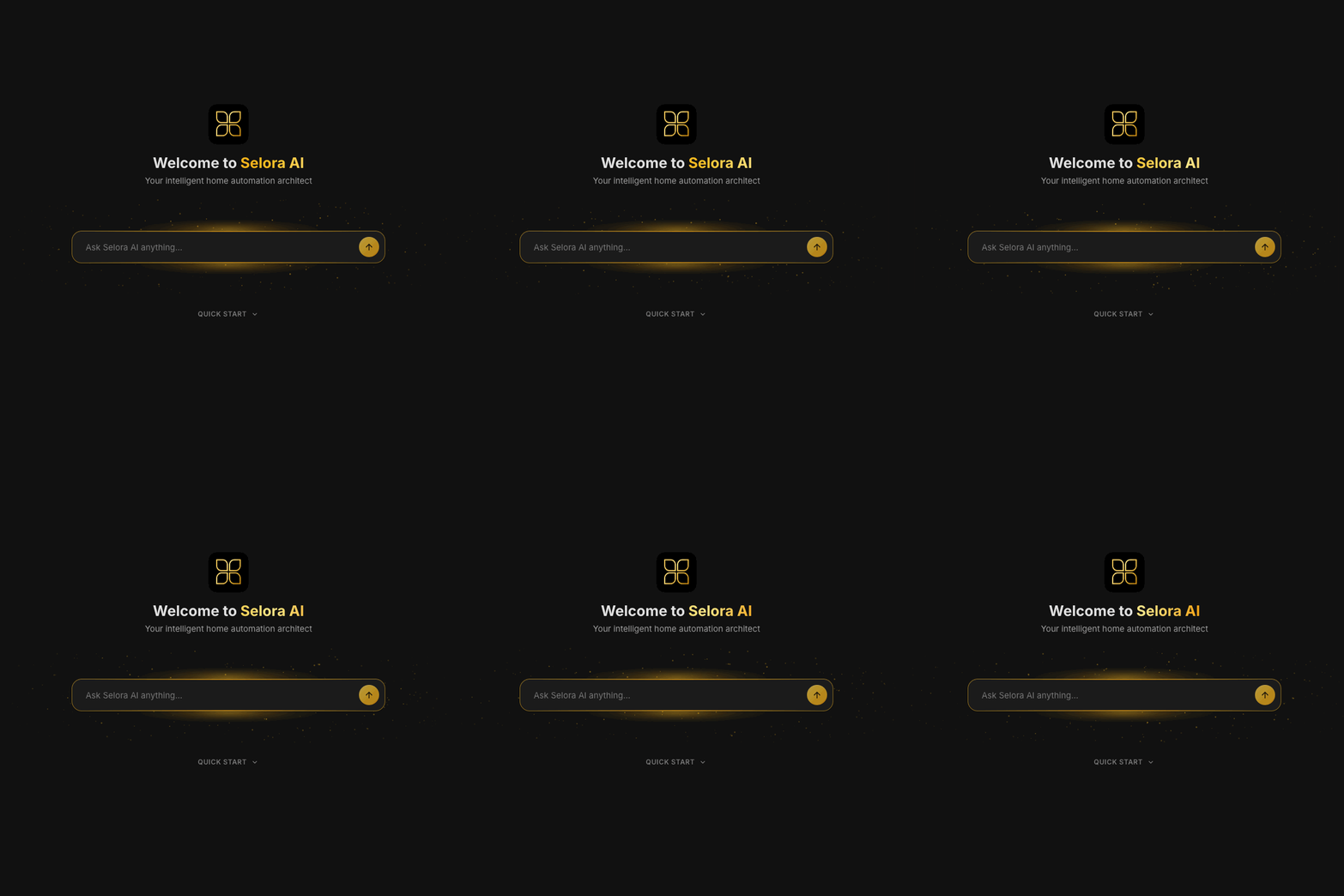
Selora AI v0.8.0 is out. This release closes the loop on three things we’ve been building toward for months: a managed cloud backend so you don’t have to bring your own keys, full visibility into where your tokens (and dollars) go plus optimizations that meaningfully cut how many tokens we burn in the first place, and a Scenes experience that finally feels native in chat.
Selora AI Cloud Provider
The biggest shift in v0.8.0 is the new Selora AI Cloud provider – a managed LLM backend routed through the Selora AI Gateway. Sign in with your Selora account via OAuth (PKCE), and you’re done. No API keys to paste, no provider to pick, no model routing to configure. Multi-model selection happens server-side, so you always get the right model for the job without thinking about it.
If you’re a Selora Hub customer, your Cloud tokens are now provisioned automatically and consumed on first launch – the integration picks them up without any manual setup.
For everyone else, free Selora accounts get 5,000 Cloud credits (a one-time allotment) so you can try the managed provider without setting up any third-party API key. Paid plans for users without a Selora Hub subscription – both a monthly subscription and pay-as-you-go top-ups – are landing soon for when you outgrow the free credits.
The direct providers (Anthropic, OpenAI, Gemini, OpenRouter, Ollama) all remain fully supported if you’d rather bring your own keys.
Token Tracking and Smart Savings
We tackled tokens from two directions in v0.8.0: showing you exactly where they go, and using fewer of them in the first place.
Track every token
A new Usage tab gives you a real-time and historical view of token consumption across every conversation, suggestion run, and snapshot. You’ll see input vs. output tokens, cached tokens, breakdowns by provider and model, and cost estimates in dollars so there are no surprises at the end of the month. This is the same telemetry we use internally to tune the integration, exposed directly in the panel.
Use fewer tokens
Alongside the new visibility, v0.8.0 also makes the integration cheaper to run. The collector and suggestion generator now reuse cached enrichment data, deduplicate snapshots, and skip redundant LLM calls. Typical homes see substantial reductions on the hourly suggestion job without any change in suggestion quality. Combined with the new Usage panel, you can watch the savings land in real time.
Scenes, End-to-End
The Scenes feature introduced in v0.7.0 is now fully integrated across the product:
- The Scenes tab lists all of your Home Assistant scenes, not just the ones Selora AI created
- Scenes are exposed via MCP, so the LLM can list and activate them directly in chat
- Inline scene cards show up in conversations with one-tap activate and edit actions
- Mobile alignment fixes for the activate and burger buttons
You can now say “activate movie night” in chat and have it run, no matter how the scene was originally created.
Composer & Header Redesign
The chat composer and panel header have been refreshed:
- Quick actions surfaced in the composer
- Streamlined header with less visual noise
- Keyboard shortcuts: Enter to send, Shift+Enter for newline, Cmd/Ctrl+K to focus the composer
Small details, but they add up to a much faster feel in day-to-day use.
Native HA Device Cards in Conversations
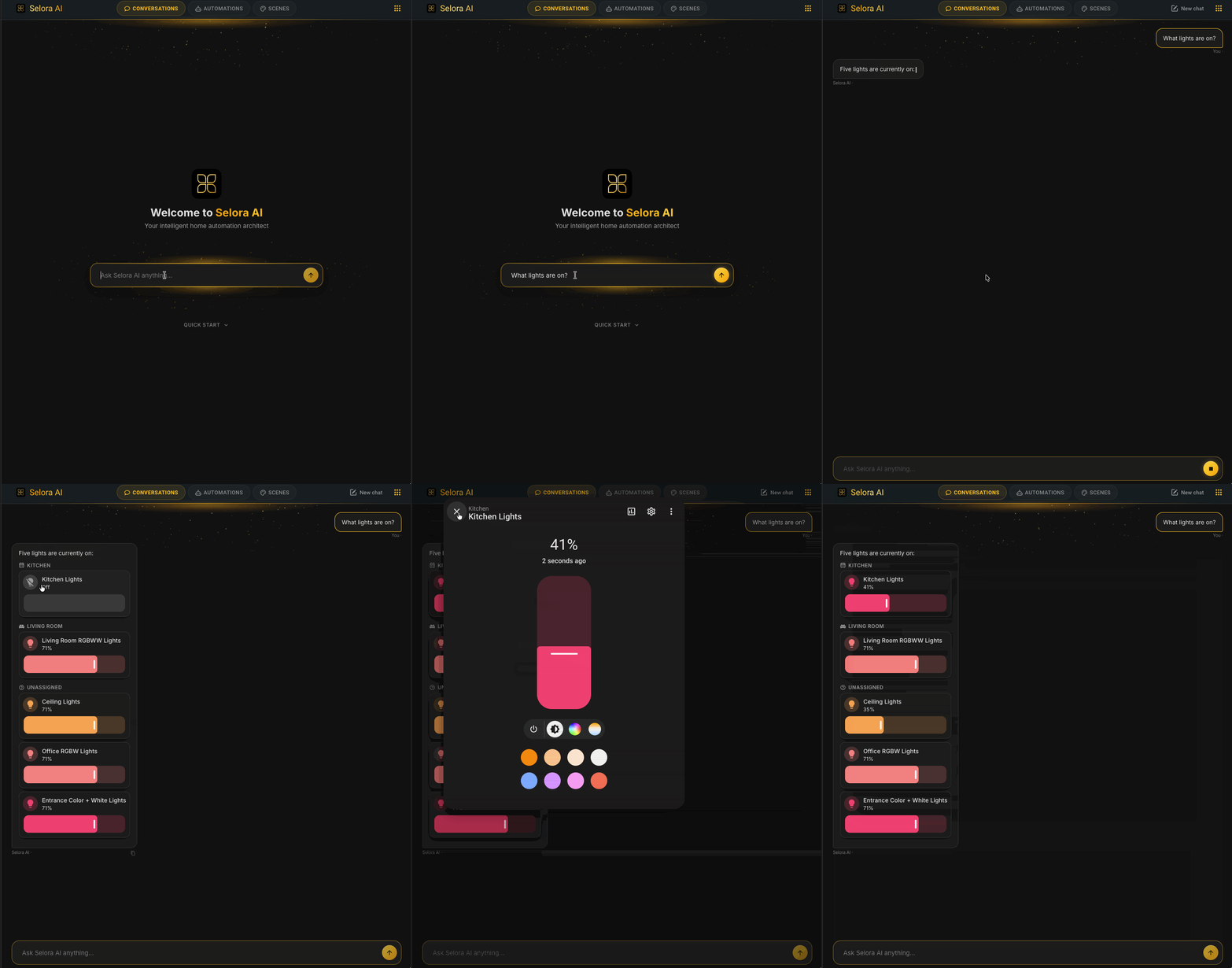
When the LLM references a device in chat, Selora AI now embeds Home Assistant’s real entity card inline – with native controls. Toggle a switch, drag a volume slider, read a climate entity, control covers with arrow buttons – all without leaving the conversation.
This is the first step toward making the chat a complete control surface for your home, not just a way to ask the LLM to do things.
Better Failure UX
Transient failures used to be silent or cryptic. v0.8.0 cleans that up:
- LLM 429 / quota errors now surface as a clear red-particle alert instead of failing silently
- Stream cutoffs are detected and reported with the real upstream error, not a generic timeout
- WebSocket auto-reconnect on transient drops, so a flaky network no longer kills your session
Improvements
- Faster provider health checks during config (Anthropic, Gemini, Ollama, and OpenRouter run in parallel with shorter timeouts)
- Background service calls in the panel, so the UI no longer blocks on slow Home Assistant reloads
- Hub-provisioned Selora Cloud tokens are consumed automatically on first launch
select_devicesconfig flow now surfaces real errors instead of a generic “abort”
Bug Fixes
- Narrow-panel button visibility and overflow on mobile
- Entity chips and grid padding flicker on tab switch
- Options flow
TypeErrorwhen clicking the config gear - Black screen on panel re-entry
- Enrichment cache sync and migration edge cases
- Dev-mode URL override for local panel development
See the full changelog for the complete list.
What’s Next
Our next release is focused on Selora AI Local : an in-house model that runs entirely on your own hardware – either on the same device as Home Assistant or on any Ollama server you point it at. Selora Hub customers will get the usual one-click install to flip it on.
Local Selora AI means no data leaving the home network, no token costs, and no dependency on an external provider for the day-to-day work the assistant does. We’ll have more to share soon.
Update via HACS, or if you already have Selora AI installed, the update will appear in your Home Assistant settings.