
What Does a Smart Home Manager Do?
What does a smart home manager do? Learn how it unifies devices, designs automations, maintains the system, and keeps a smart home useful over time.
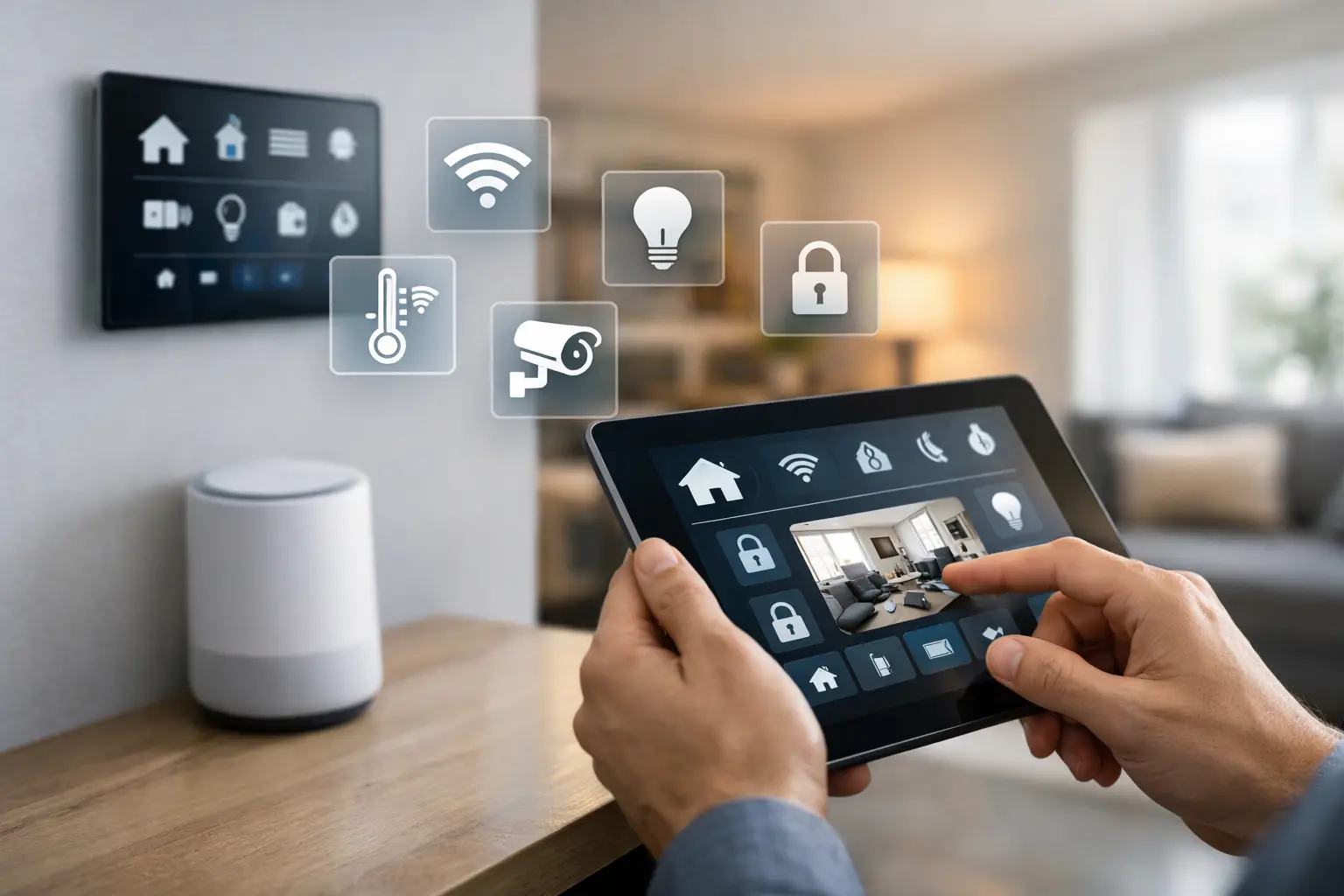
Picture a home with great lighting, motorized shades, whole-home audio, cameras, thermostats, door locks, and voice control, but every system lives in a different app, some automations fail quietly, and no one remembers how it was set up. That is usually the moment people start asking what does smart home manager do, and whether they actually need one.
The short answer is this: a smart home manager keeps the entire system organized, connected, updated, and useful over time. Not just installed. Not just impressive on move-in day. Useful on a random Tuesday when the shades should lower at sunset, the security system should arm at night, and the guest room should not overheat because one sensor dropped offline two weeks ago.
A well-managed smart home is less about gadgets and more about orchestration. The manager sits between the hardware and the homeowner experience, making sure devices from different brands act like one system instead of a collection of expensive islands.
What does a smart home manager do in practice?
At a practical level, a smart home manager handles the ongoing health and logic of the home. That includes centralizing control, maintaining device connectivity, managing software updates, refining automations, and troubleshooting issues before they become daily annoyances.
In a premium home, this role matters more than most buyers expect. The more systems you add, such as lighting, climate, audio, security, energy monitoring, irrigation, and pool controls, the more likely it is that one brand will not naturally cooperate with another. A smart home manager closes those gaps. It brings devices into one control layer and gives the homeowner a consistent experience across rooms, routines, and user profiles.
That can mean simple outcomes, like one app for lighting, shades, and music. It can also mean more advanced coordination, like pausing HVAC in an open-window scenario, adjusting lighting scenes based on occupancy, or creating arrival and away modes that work across locks, alarms, thermostats, and exterior lights.
Smart home management is different from installation
This is where many homeowners get caught off guard. Installation is a project. Management is an operating model.
An installer may mount keypads, add dimmers, connect speakers, and configure the initial scenes. That work is important, but it does not guarantee the system will stay optimized as software changes, devices age, family habits shift, or new products enter the home.
A smart home manager takes responsibility for what happens after setup. That includes monitoring what is online, resolving conflicts, updating integrations, and adjusting automations as the home evolves. If a family adds an EV charger, a nursery, a backyard office, or a rental guest suite, the smart home should adapt without turning into a patchwork of exceptions.
That is also why closed systems can become frustrating. If every change depends on a dealer visit, every update carries a service charge, and every new device has to be approved by one ecosystem, the home stops feeling smart and starts feeling restrictive. Good management gives homeowners more control, not less.
The core jobs of a smart home manager
The first job is unification. Most households already have a mixed environment: maybe Apple Home for a few lights, Sonos for audio, Lutron for shades, Nest or Ecobee for climate, Ring or another platform for cameras, and a voice assistant layered on top. A manager brings those pieces together under one logic framework so routines work across brands.
The second job is automation design. This is where smart homes either become genuinely convenient or remain glorified remote controls. A smart home manager builds automations around how people actually live. Morning scenes, bedtime routines, occupancy-aware climate adjustments, vacation modes, and energy-saving logic all sound simple, but doing them well requires reliable triggers, fallback behavior, and careful timing.
The third job is maintenance. Devices drop, firmware changes, integrations shift, and network conditions matter more than many people realize. A smart home manager keeps the system stable. That often includes remote diagnostics, managed updates, and proactive issue resolution.
The fourth job is optimization. A good system should improve over time. If a motion-based lighting rule turns lights on too often, it should be refined. If a music scene is too complicated for guests, it should be simplified. If a homeowner never uses a certain dashboard, the interface should be cleaned up instead of left cluttered.
The fifth job is future-proofing. This matters in higher-end homes where the technology investment is significant. A smart home manager should make it easier to add devices later, migrate away from outdated hardware, and avoid being trapped inside one proprietary stack.
Why homeowners ask what a smart home manager does after install
Because friction shows up later.
The original demo usually works. The issue appears six months in, when one app controls lights, another handles cameras, the thermostat schedule conflicts with an occupancy routine, and no one in the house knows which automation is causing the kitchen lights to turn on at 2 a.m.
That is when management becomes valuable. It brings order to a system that may have grown room by room, brand by brand, and year by year. Instead of replacing everything, the right approach often starts with an audit: what devices exist, what protocols they use, which automations still make sense, and where the current system is creating friction.
For many homes, the biggest win is not buying more hardware. It is reducing app switching, removing duplicate logic, and creating one reliable control experience.
What a smart home manager does for privacy and security
A poorly managed smart home can create more exposure than most people realize. Devices may rely on multiple cloud accounts, outdated passwords, old user permissions, and integrations that were never reviewed after installation.
Smart home management should tighten that up. That means controlling who has access, simplifying account sprawl, reviewing remote access settings, and choosing architectures that do not send every command and event through unnecessary third parties.
Privacy-first management is especially important in homes with cameras, locks, occupancy sensors, and voice control. Convenience matters, but not at the expense of control over your own data or access to your own property.
This is one reason open, professionally managed platforms are gaining ground. Homeowners want flexibility, but they also want structure. They want broad compatibility without handing the entire home over to a closed ecosystem that decides what works, what breaks, and what costs extra to change.
Smart home manager vs. smart home app
A smart home app is an interface. A smart home manager is the system behind the experience.
Apps let you tap buttons, view devices, and maybe create simple routines. Management goes further. It handles logic across ecosystems, keeps integrations healthy, supports remote troubleshooting, and ensures the home remains functional as software and hardware change.
That distinction matters because many buyers assume one app will solve fragmentation by itself. Usually, it does not. If the underlying devices are still disconnected at the platform level, the app is just a prettier layer on top of a messy stack.
A real smart home manager creates structure underneath the interface so the app becomes simpler, faster, and more dependable.
What a smart home manager does for installers and custom projects
For installers, management reduces the two problems that hurt margins most: support chaos and inconsistent handoffs.
When every project uses different ad hoc combinations of hubs, apps, and workarounds, support becomes expensive. A managed smart home platform creates repeatability. Updates are controlled. Documentation is clearer. Remote access is built in. Automations can be standardized, then tailored instead of rebuilt from scratch each time.
That is also better for the client. The homeowner gets a polished experience, while the installer gets a platform that is easier to deploy, maintain, and expand. In larger custom homes, that consistency matters as much as the devices themselves.
When smart home management is worth it
Not every home needs professional-grade management. If you have a few smart plugs, one video doorbell, and a thermostat, you may be fine with basic consumer apps.
But once the home includes multiple subsystems, multiple brands, multiple family members, and real expectations around reliability, management starts paying for itself. The same is true for renovations, luxury homes, second homes, and households that want sophisticated automation without becoming their own unpaid IT department.
If your smart home feels fragmented, hard to update, or too dependent on whoever installed it years ago, the issue is usually not that you own too much technology. It is that no one is managing it as one system.
That is the difference. A smart home manager does not just make devices connect. It makes the home easier to live in, easier to support, and far more adaptable to whatever comes next. Platforms like Selora Homes are built around that exact shift, from scattered smart devices to one professionally managed smart home that stays useful long after installation day.
The best smart homes are not the ones with the most features. They are the ones that keep working beautifully after the novelty wears off.
If you want to see what managed smart home looks like for your specific home and devices, book a consultation .