
Why Is My Smart Home Unreliable? Fix the Foundation
Why is my smart home unreliable? Most failures trace back to the network, cloud dependence, and automation design. Here is how to fix the foundation.
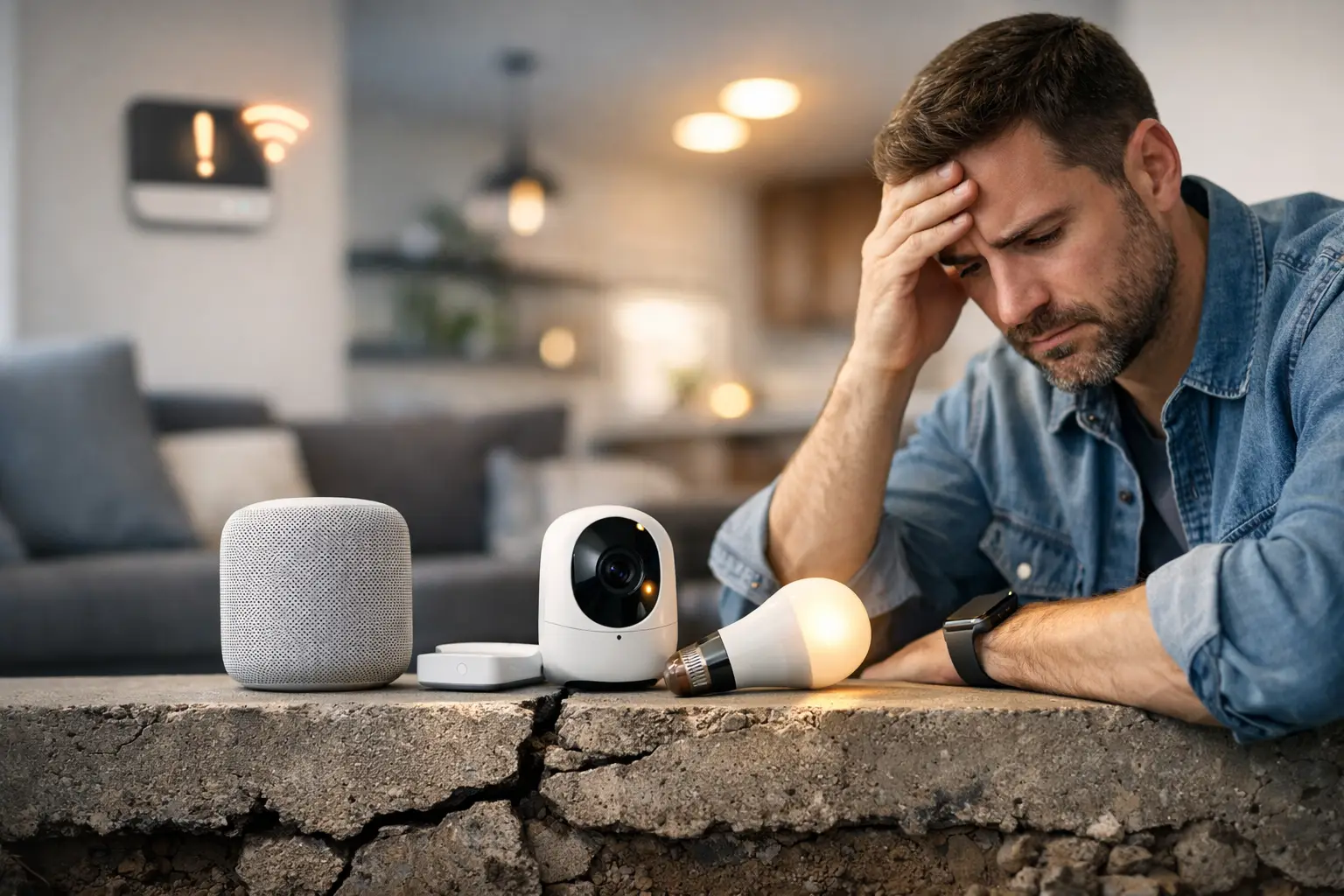
The kitchen lights miss the voice command. The thermostat falls offline just before guests arrive. A door lock reports the wrong status, and the family ends up opening three different apps to figure out what happened. If you are asking, “why is my smart home unreliable,” the answer is rarely that one device is defective. More often, the home was assembled as a collection of products rather than designed as one connected system.
A dependable smart home is not defined by how many devices it contains. It is defined by whether the network, integrations, control layer, and automations continue to work together when the household is busy, the internet has a hiccup, or a manufacturer changes its software. The good news is that most reliability problems have a clear cause and a practical path forward.
Why Your Smart Home Is Unreliable in the First Place
Consumer smart home products are easy to buy individually. That convenience can create a fragile setup over time. A few Wi-Fi plugs become several Wi-Fi cameras, then a voice assistant, a video doorbell, smart shades, a new thermostat, and an app for every brand. Each device may work well on its own. The trouble begins when every device expects the home network, cloud service, and homeowner to do the coordination.
Reliability is a system-level outcome. When one layer is weak, it can make an otherwise excellent lock, light, or speaker appear unreliable.
Your Wi-Fi was built for browsing, not the whole house
A standard router can handle phones, laptops, and streaming televisions reasonably well. A smart home asks more of it. Devices are distributed across exterior walls, mechanical rooms, garages, ceilings, and outdoor spaces. They may also need stable connections around the clock rather than occasional bursts of bandwidth.
Weak signal is only one part of the problem. Overcrowded Wi-Fi channels, poorly placed access points, band-steering issues, outdated router firmware, and too many low-cost Wi-Fi devices can all cause intermittent failures. Those are the most frustrating failures because the device may appear fine during a quick test, then drop off when the home is active.
A professionally planned network does not simply add more equipment. It places wired access points where coverage is needed, separates critical devices from guest traffic, and gives cameras, hubs, and entertainment systems enough capacity to operate without competing for attention. Larger homes, dense construction, radiant barriers, stone finishes, and detached structures often need more than a single all-in-one router.
Too many clouds create too many failure points
Many popular smart devices depend on the manufacturer’s cloud to process commands and report status. A command may travel from your phone to the internet, to a vendor’s server, back to the home, and then to the device. If any step is delayed or unavailable, the experience feels broken even though your local network and the device itself are working.
Cloud dependence also leaves your home exposed to changes beyond your control. A company can alter an integration, discontinue a product line, require a new account policy, or experience an outage. For a novelty device, that may be tolerable. For entry lighting, climate, security, shades, and daily routines, it is a poor foundation.
Local control reduces that dependency. It allows essential automations to run inside the home, so a motion sensor can turn on a hallway light or a wall keypad can close shades without waiting for an external server. Cloud access still has value for remote management and notifications, but the home should not become unlivable when the internet is down.
Compatibility is more complicated than a logo on the box
“Works with” labels are helpful, but they do not guarantee full functionality. One platform may expose only basic on and off control while another supports energy data, position feedback, alarm states, keypad buttons, or advanced scenes. A device may appear in two apps but respond differently in each one.
This is especially common in homes that combine lighting controls, whole-home audio, security equipment, voice assistants, HVAC systems, and legacy automation. A homeowner can end up with technically connected products that do not share meaningful information. The thermostat may know the house is vacant, but the shades do not. The security system may arm at night, but the lighting scene never follows.
Open compatibility matters, but it must be managed deliberately. The goal is not to connect every possible device for its own sake. The goal is to select integrations that preserve useful control, reliable feedback, and a clear upgrade path.
The Hidden Causes of Smart Home Failures
Not every issue is wireless or cloud-related. Several less obvious factors can undermine a connected home.
Power interruptions are a frequent culprit. Routers, network switches, hubs, bridges, and cable modems can restart in the wrong order after a brief outage. A smart device may reconnect before the system that manages it is ready, then remain unavailable until manually restarted. Critical network and control equipment should have sensible power protection and a planned recovery sequence.
Device firmware can introduce another problem. Automatic updates are useful when they close security gaps, yet an uncoordinated update may change an integration or device behavior. At the same time, never updating devices creates its own risk. Dependability comes from managed updates, tested compatibility, and a clear way to identify what changed when something stops working.
Automation design also deserves scrutiny. A simple rule such as “turn off lights when nobody is home” sounds obvious until one family member is in the backyard, a guest is sleeping upstairs, or a phone’s location has not updated. Automations need the right triggers, conditions, exceptions, and timeouts. The most successful ones feel invisible because they account for real household behavior instead of forcing the household to adapt.
Finally, there is the human layer. If no one knows which app controls what, who has administrator access, or how to troubleshoot a basic outage, the system will feel unreliable even when the technology is sound. A premium home should not require its owner to become the on-call IT department.
Start With an Audit, Not Another Device
Buying a new hub, router, or voice assistant before understanding the current setup can add another layer of complexity. Start by mapping what is already in the home: network equipment, connected devices, cloud accounts, bridges, control apps, and automations. Identify which functions are truly essential, such as access, lighting, climate, cameras, and entertainment.
Then look for patterns. Does the issue affect one room, one device category, or the entire home? Does it occur at a certain time of day? Does it happen only when internet service drops? Does the device fail in its native app, or only in the app that aggregates it? These answers quickly separate a network issue from an integration issue or a poorly designed automation.
Prioritize the systems people rely on every day. Entry locks and exterior lighting deserve more attention than a decorative LED strip. Climate control and leak detection need clear alerts and dependable local behavior. Entertainment can tolerate an occasional integration delay; security and access should not.
Build for Local Control and Long-Term Choice
The strongest smart homes use a centralized control layer that can coordinate devices across brands while keeping essential actions local. That central layer should provide one understandable experience for the household, not another app to manage. It should also support remote diagnostics, managed maintenance, and flexible integrations as the home changes.
This is where a professionally managed, open platform changes the equation. Rather than replacing every existing device, a migration can unify compatible lighting, audio, climate, security, and voice systems under a single control experience. Selora Homes applies this model with a pre-configured hub, managed updates, remote support, and AI-assisted automation that can turn household routines into practical starting points for automation.
Open does not mean unmanaged or experimental. It means homeowners retain the freedom to choose hardware, avoid unnecessary dealer lock-in, and evolve the system without rebuilding the home around one manufacturer. For installers, it means a repeatable foundation with clearer serviceability after handoff.
Make Automations Useful Before Making Them Clever
The best first automations solve recurring, low-risk frustrations. A good example is an arrival routine that adjusts lighting only after sunset and only when the household has been away. Another is a bedtime routine that confirms doors are secured, turns off selected lights, and adjusts the thermostat without shutting down a room where someone is still awake.
Start with observable outcomes and build in exceptions. Use physical controls for important actions, keep manual overrides easy, and avoid automations that make occupants feel they have lost control of their own home. A wall keypad that always works is often more valuable than a complicated voice routine that occasionally does not.
Reliability is not a feature you add at the end. It is the result of a well-planned network, thoughtfully chosen devices, local-first control, and automation designed around the way your family actually lives. Once those foundations are in place, the smart home stops asking for attention and starts quietly earning your trust.