
Manage Installer Remote Access
How homeowners can review, approve, deny, and revoke installer remote access requests to their Home Assistant installation.
When an installer or the Selora Homes support team needs to work on your installation, they request temporary remote access through Selora Connect. You maintain full control over every session — nothing happens without your approval.
See Request Remote Support Access for the full installer workflow.
Approving or Denying Requests
When an installer requests access, you receive an email notification with the details of the request, including who is requesting access, the reason, and the requested duration.
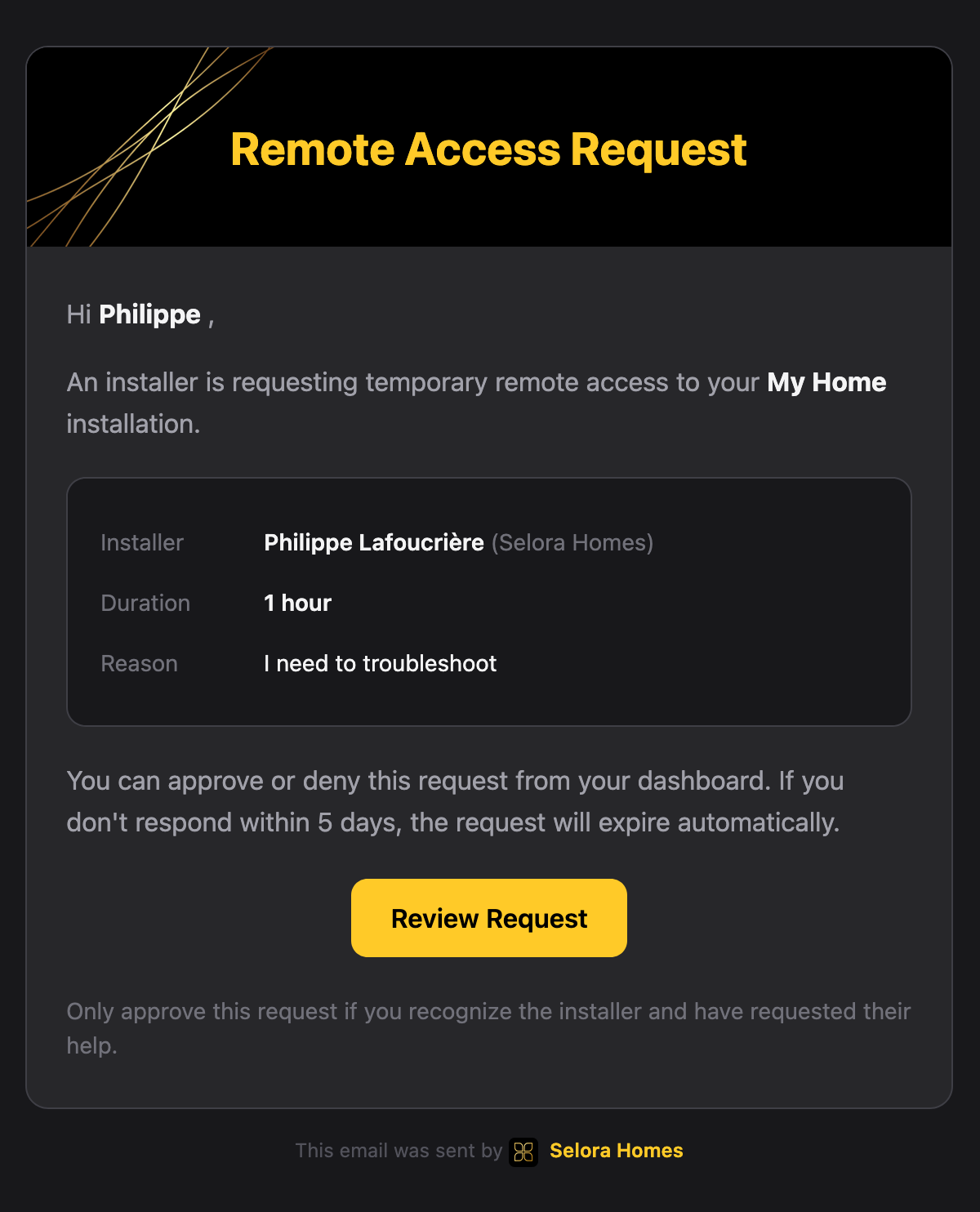
You can approve or deny the request directly in Selora Connect: it appears at the top of your hub’s Overview, with who is asking, why, and for how long.

AI Agent Access
Approving a request also lets the installer connect their own AI agent, such as Claude or Cursor, to Selora AI on your hub for the length of the session. Their agent can read your devices and automations, and change them only if they opted in to control actions when signing in.
- If AI agent access (MCP) was off on your hub, the installer can turn it on for the session. It turns off again when the session ends.
- If you had already turned it on, it stays as you set it. The installer’s own access still ends with the session.
- The installer cannot connect an agent while a guided installation is running on your hub.
Ending a Session
While a session runs, the top of your hub’s Overview shows Remote support in progress, with who is connected and the time left. You can end it at any time with End session.

The active connection is terminated immediately upon revocation. An AI agent the installer connected during the session loses access within seconds.
Access History
All installer access requests and sessions are logged on your hub’s Activity tab, including:
- Request timestamp.
- Approval/denial status.
- Session start and end times.
- Any extensions requested and granted.
- Revocation events.
Further Reading
Last modified October 17, 2026: docs(connect): new remote access and backups screenshots (ea7eb6e)