
Backups
How automatic backups work in SeloraBox, including retention policies and restore options.
Search results
SeloraBox includes fully automated backup management, ensuring your customers’ Home Assistant configurations are protected without any manual intervention.
How Backups Work
Backups in SeloraBox are configured at the management host level, not within Home Assistant itself. The management host triggers Home Assistant backup operations, which provides two key benefits:
- Cloud backups cannot be disabled by end users
- Encryption keys are securely managed by the system, eliminating the risk of lost keys
Backup Schedule
Daily backups are created automatically at 3:00 AM local time. This timing minimizes impact on system performance during normal usage hours.
Retention Policy
SeloraBox maintains multiple copies of backups across different locations for comprehensive data protection:
| Location | What | Retention |
|---|---|---|
| Home Assistant VM | Native HA backups (/mnt/data/supervisor/backup/) | Last 3 daily |
| Cloud (S3) | Encrypted uploads (daily, Mon-Sat) | 30 days |
| Cloud (S3) | Encrypted uploads (weekly, Sunday) | Immutable vault (6 months) |
This multi-tiered approach ensures:
- Quick local restores from recent backups stored on the device
- Protection against hardware failure through cloud backups
- Long-term recovery options via the immutable weekly vault
Viewing Backups
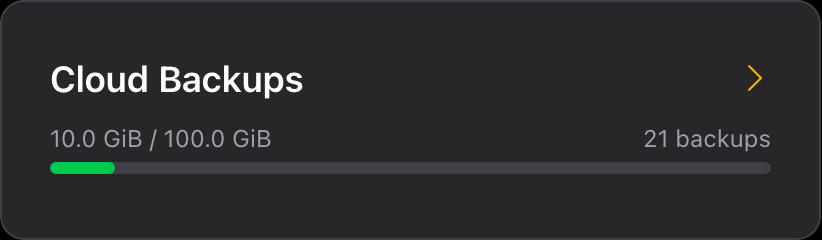
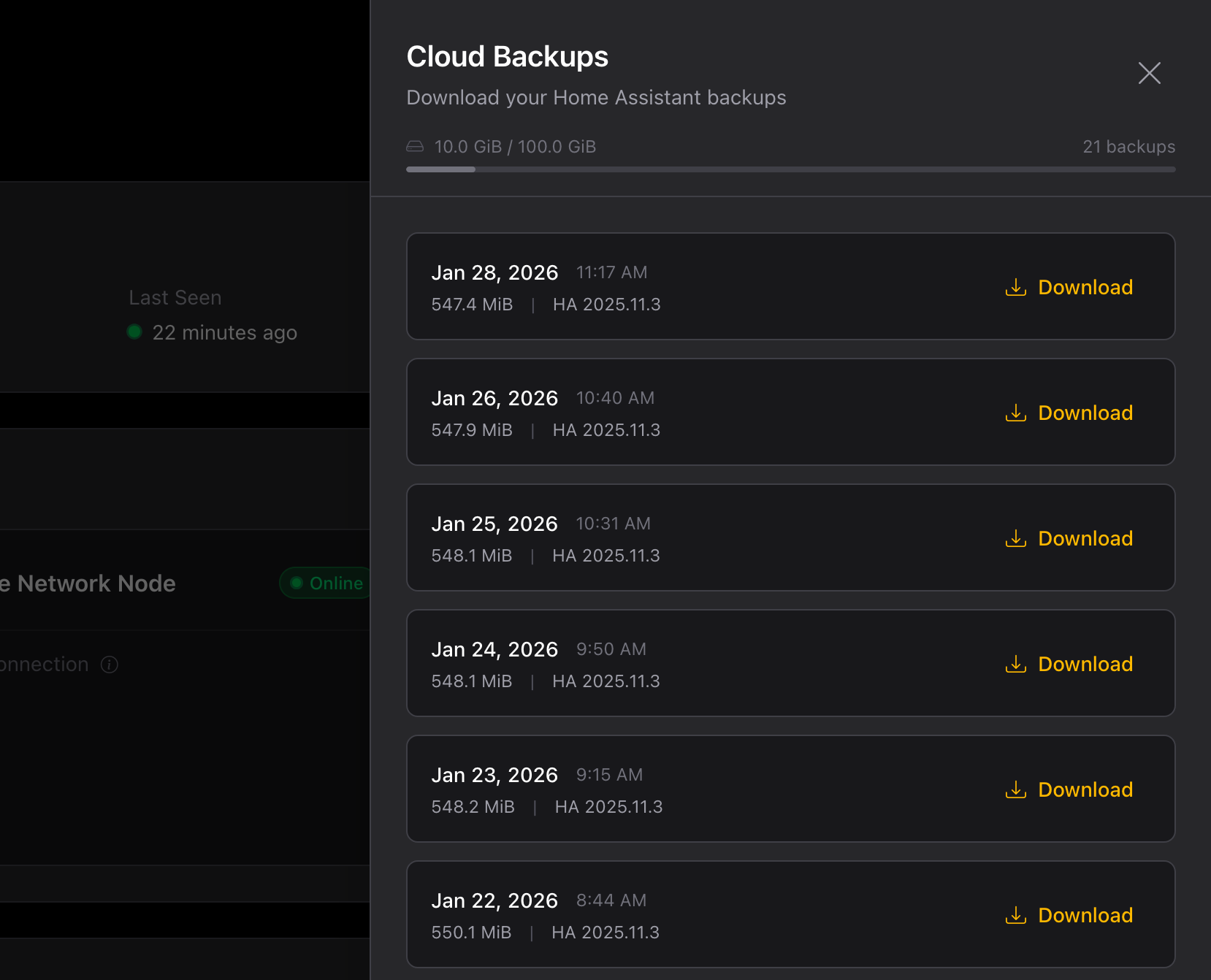
Installers can view all available backups from their installation page :
Restoring Backups
To restore a backup, download it from the installation page under Cloud backups. Select the backup you want to restore from the list and download it.
The downloaded file is a .tar archive in the standard Home Assistant backup format. You can restore it in two ways:
Restoring to an Existing Home Assistant
- Go to Settings → System → Backups
- Click Show all backups
- Click the three dots in the upper right corner
- Select Upload backup
- Select the downloaded
.tarfile
Restoring During Fresh Install
If you’re setting up a new Home Assistant instance, you can restore the backup during the onboarding process. See the official Home Assistant documentation:
Additional Backup Options
While SeloraBox provides comprehensive automated backups, installers can configure additional backup solutions if needed or requested by homeowners.
For information on configuring additional backups within Home Assistant, refer to the official documentation:
Last modified April 2, 2026: Add Installer Field Support Guide (c5d759b)