
Manage Installer Remote Access
How homeowners can review, approve, deny, and revoke installer remote access requests to their Home Assistant installation.
Search results
When an installer or the Selora Homes support team needs to work on your installation, they request temporary remote access through Selora Connect. You maintain full control over every session — nothing happens without your approval.
See Request Remote Access for the full installer workflow.
Approving or Denying Requests
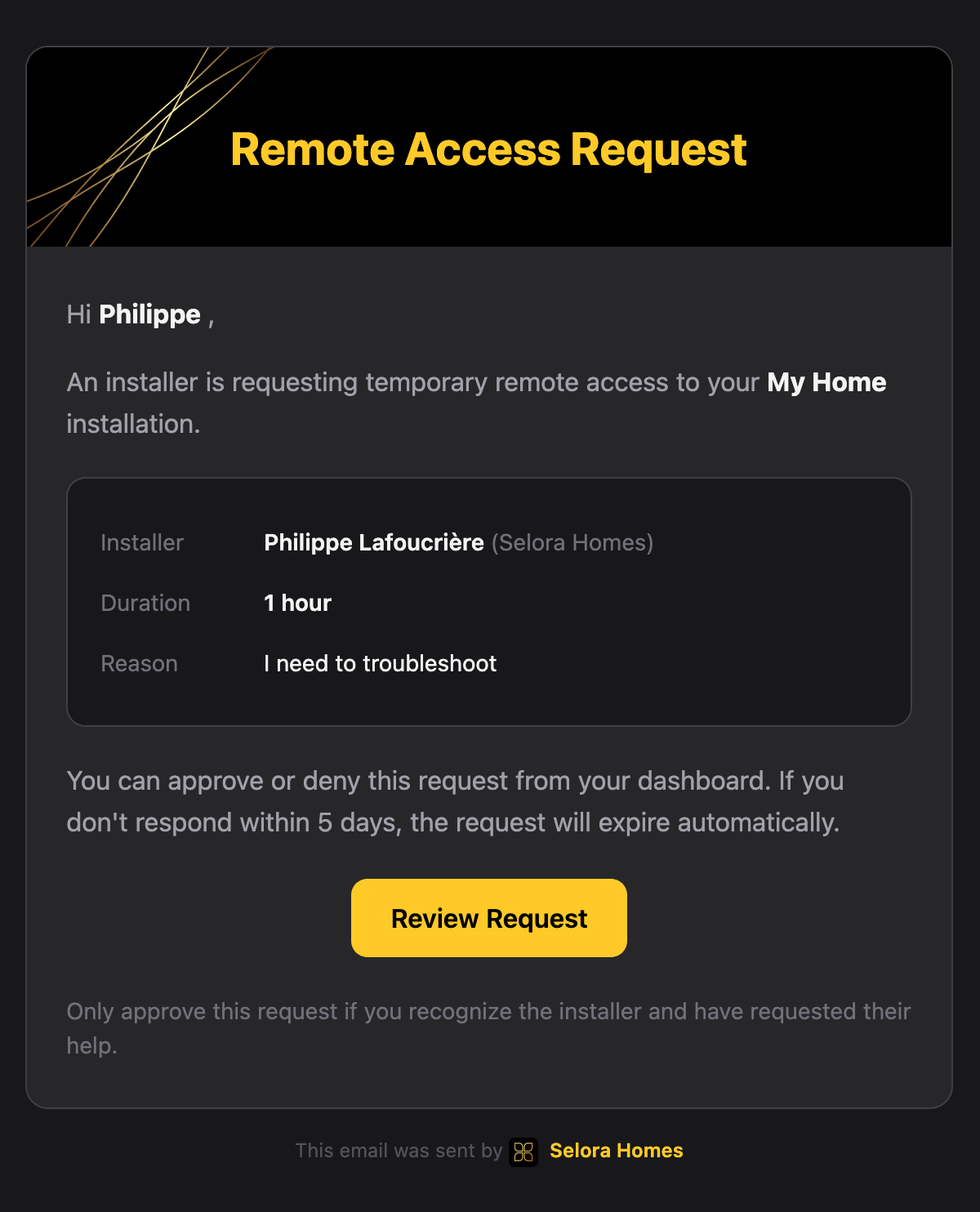
When an installer requests access, you receive an email notification with the details of the request, including who is requesting access, the reason, and the requested duration.
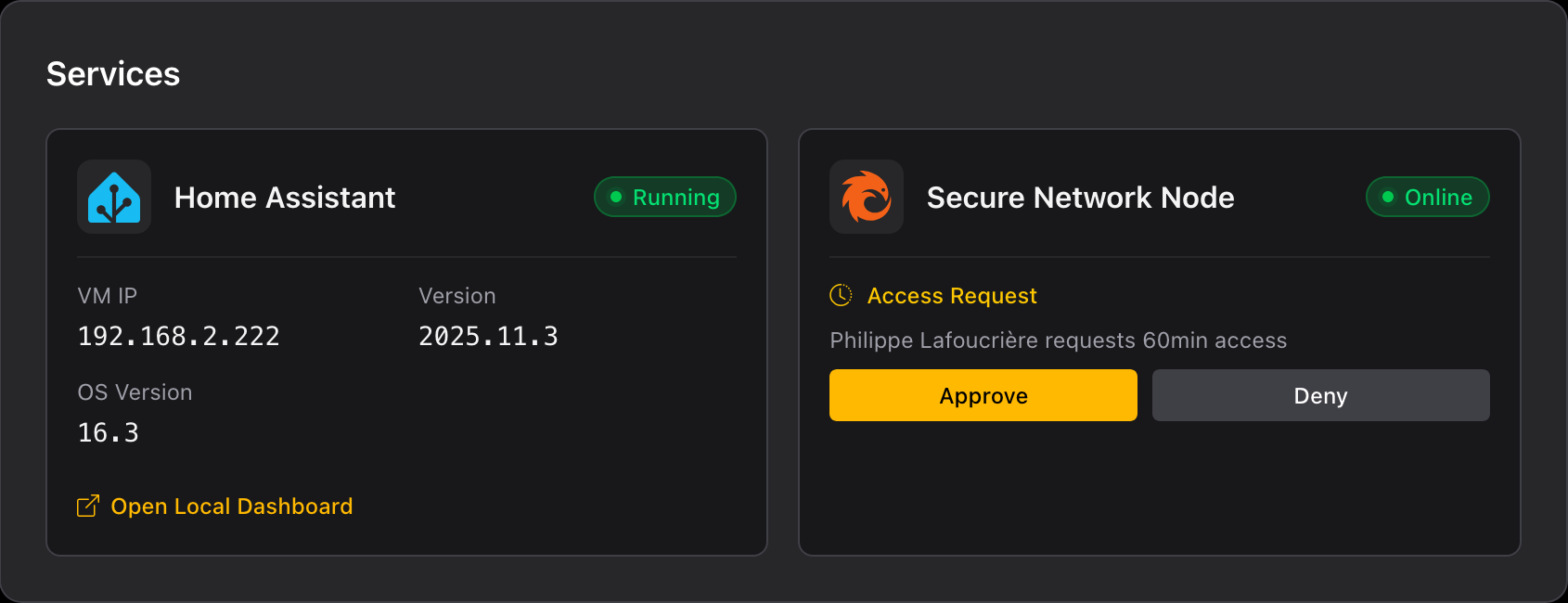
You can approve or deny the request directly from your Selora Connect dashboard.
Revoking Access
You can revoke an active installer session at any time by clicking Revoke Access from your dashboard.
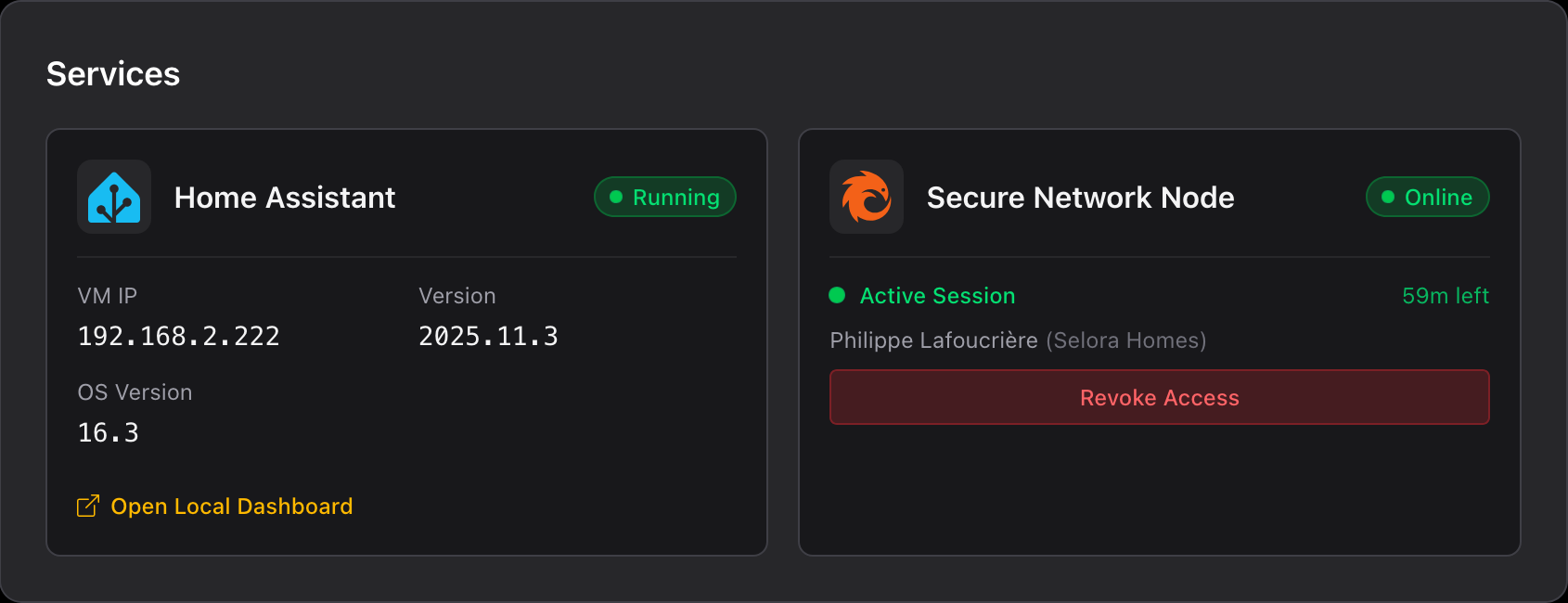
The active connection is terminated immediately upon revocation.
Access History
All installer access requests and sessions are logged in your dashboard, including:
- Request timestamp.
- Approval/denial status.
- Session start and end times.
- Any extensions requested and granted.
- Revocation events.
Further Reading
Last modified April 5, 2026: Restructure installer remote access docs and update related pages (a971b41)