
Selora Vision, powered by Frigate
Cameras that know what they're seeing
Alerts for people, cars and animals, not shadows. Faces of the family, recognized at home. Every clip searchable in plain words. All running on your Selora Hub, set up and kept up to date by Selora.
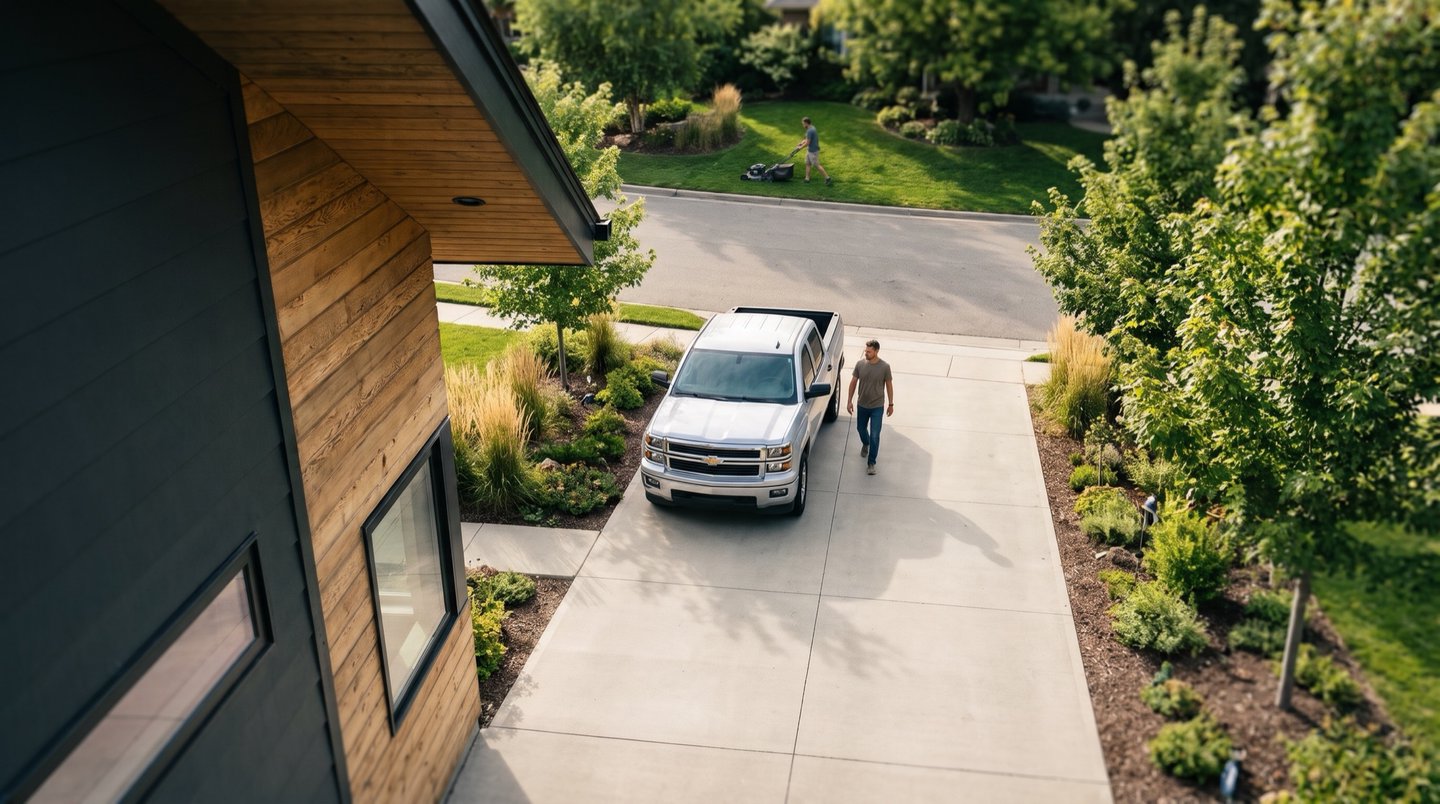
Selora AI describes
A man in an olive T-shirt walking from a silver pickup truck to the house.
Detect
Not motion. Objects.
Most cameras alert on anything that moves, so you stop looking. Selora Vision checks what moved, and only speaks up for a person, a car or an animal.
A typical motion camera
0 alertsSelora Vision
0 alertsQuiet. Nothing worth your attention.
The tree and the lamp move, and are ignored.
- Pick what to track: people, cars, animals
- Zones like the driveway or the front path
- Recordings kept for the days you choose
- Clips and snapshots for every event
Recognize
It knows the family
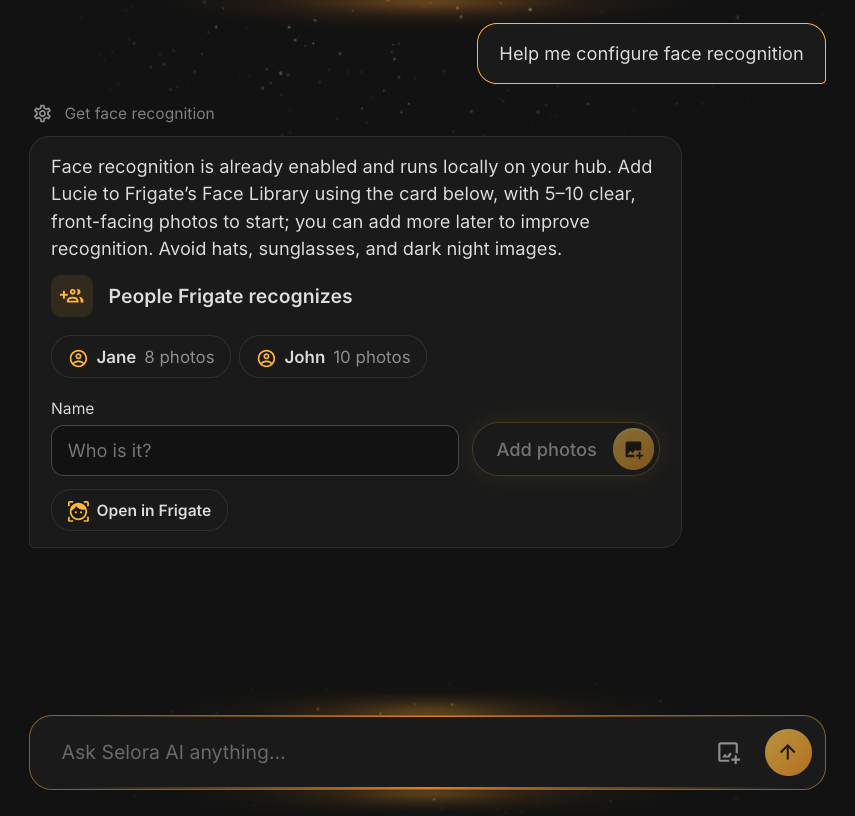
Frigate tells you someone is at the door. Face recognition tells you who. Ask “Was Alex home at noon?”, or be told only when someone you don't know comes by.
No face leaves the house
Recognition runs on the Hub's graphics processor, and face photos stay on the Hub.
A few photos to start
Add each person with a name and 5 to 10 clear photos. Selora AI shows you the card; the photos go straight to Frigate, never to the AI.
Gets better as you go
Confirm who Frigate saw in its Face Library and it learns from it.









 Alex
 Jane
Yes, twice. At 5:42 PM a man walked from a silver pickup truck to the house, and at 7:58 PM a man in a dark hoodie walked up the driveway.
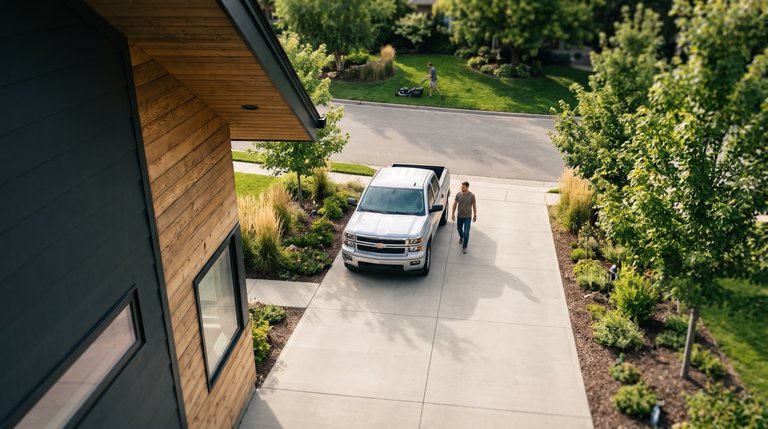
Person · Driveway
Today 5:42 PM
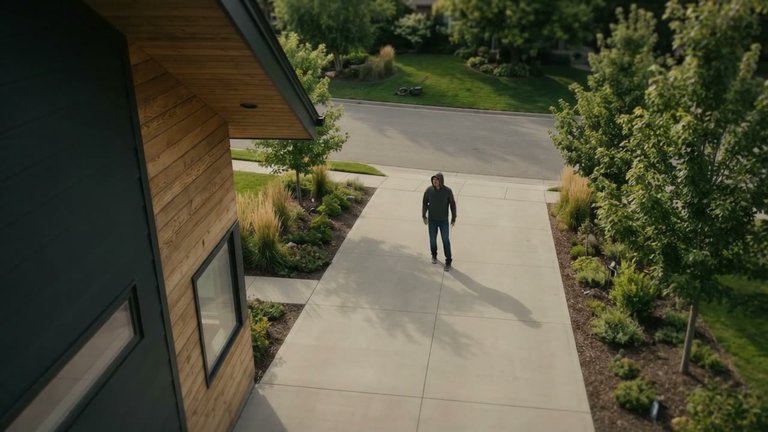
Person · Driveway
Today 7:58 PM
Search
Ask your cameras anything
No more scrubbing through hours of footage. Ask Selora AI what happened and it shows you the clips.
“Did anyone come to the front door this afternoon?”
“Any FedEx truck today?”
“Show me a man with a white dog in the street”
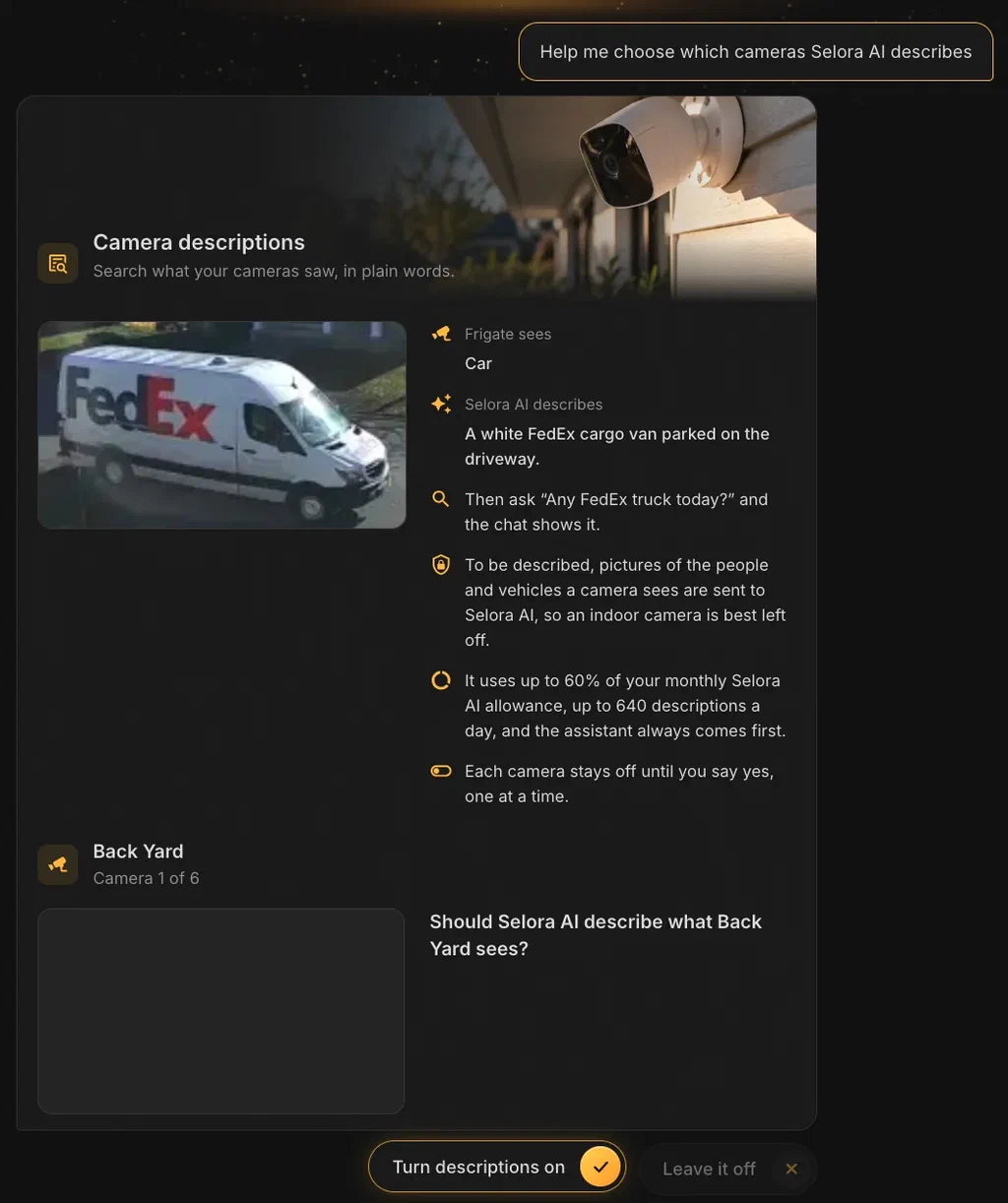
Searching what happened, like who or what came by, works from the events Frigate records. Describing them in detail (“a white FedEx cargo van”) uses camera descriptions, which you turn on one camera at a time. What that means for privacy.
Act
From seeing to doing
Your cameras are part of the home, not an app on the side. Selora AI suggests automations built from the devices you already have, and nothing runs until you accept it.
Privacy
Your cameras, your house
We're plain about what stays home and what doesn't, so you choose with your eyes open.
Stays on your Selora Hub
- Recordings and clips Kept on the Hub, for as many days as you choose.
- Object detection People, cars and animals are spotted on the Hub itself.
- Face recognition Runs on the Hub's graphics processor.
- Face photos you add Go straight from the card to Frigate, never through the AI.
- Camera passwords Typed on the card and sent straight to Frigate, never to the AI.
- No extra login Open it from your Selora Homes account or Home Assistant.
Only if you say yes: camera descriptions
Descriptions are written in Selora AI Cloud, so pictures of the people and vehicles a camera sees are sent there.
- Off on every camera to start
- Selora AI asks about each camera, and only your yes turns one on
- Recommended for outdoor cameras only
- Uses your Selora AI credits, and the assistant always comes first
Managed for you
Frigate, without the homework
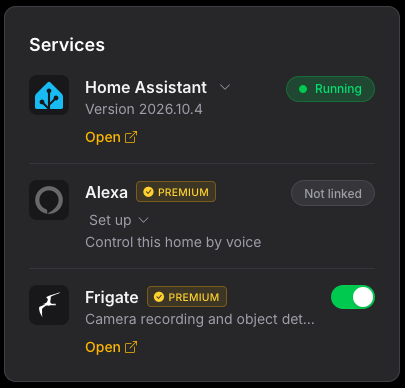
Frigate is powerful, and setting it up yourself takes work. On a Selora Hub it's a switch: Selora installs it, keeps it up to date and connects it to Home Assistant for you.
- 1
Switch it on
Turn on Frigate in your Selora Homes account. The Hub installs it, sets up MQTT and the Home Assistant integration, and adds Frigate to the sidebar.
- 2
Ask Selora AI to add your cameras
It finds the cameras already in Home Assistant and the ones on your network, records each one and tracks people, or cars and animals too if you ask.
- 3
Accept the next steps
Selora AI suggests what to do next, one at a time: face recognition, camera descriptions, automations. Nothing changes until you say yes.
Recommended cameras Reolink and UniFi Protect, or any camera with an RTSP stream. See the list.
Wired is best PoE cameras get power and video through one cable and stay connected. Give every camera a fixed IP address.
Want the details? Read Selora Vision on your Selora Hub in the docs.
Questions
Good to know
Frigate is included with every paid plan, from Essentials up. It is not part of the Free plan.
We recommend Reolink and UniFi Protect cameras, but any IP camera that offers an RTSP stream should work. Wired PoE cameras are more reliable than Wi-Fi ones. Each camera needs a fixed IP address on your network.
Recording, object detection and face recognition all run on your Selora Hub. Camera descriptions are the exception: for the cameras you turn them on for, pictures of the people and vehicles they see go to Selora AI Cloud to be described, and they use Selora AI credits. Every camera starts with descriptions off, and we recommend them for outdoor cameras only.
A standard Selora Hub runs either Frigate or Selora AI Local. With Frigate on, Selora AI keeps working through Selora AI Cloud. Hubs with 32 GB of RAM, which come with larger plans, run both.
No. Open Frigate from your Selora Homes account, or from the Home Assistant sidebar with your usual login.
Frigate stops, but its recordings, clips and cameras are kept. Turn it back on and they are where you left them.
Frigate is a popular open-source video recorder with AI object detection. Selora installs it on the Hub, keeps it up to date and connects it to Home Assistant and Selora AI for you.
See what your cameras have been missing
Selora Vision is included with every paid Selora plan. Talk to us about your cameras and your home.